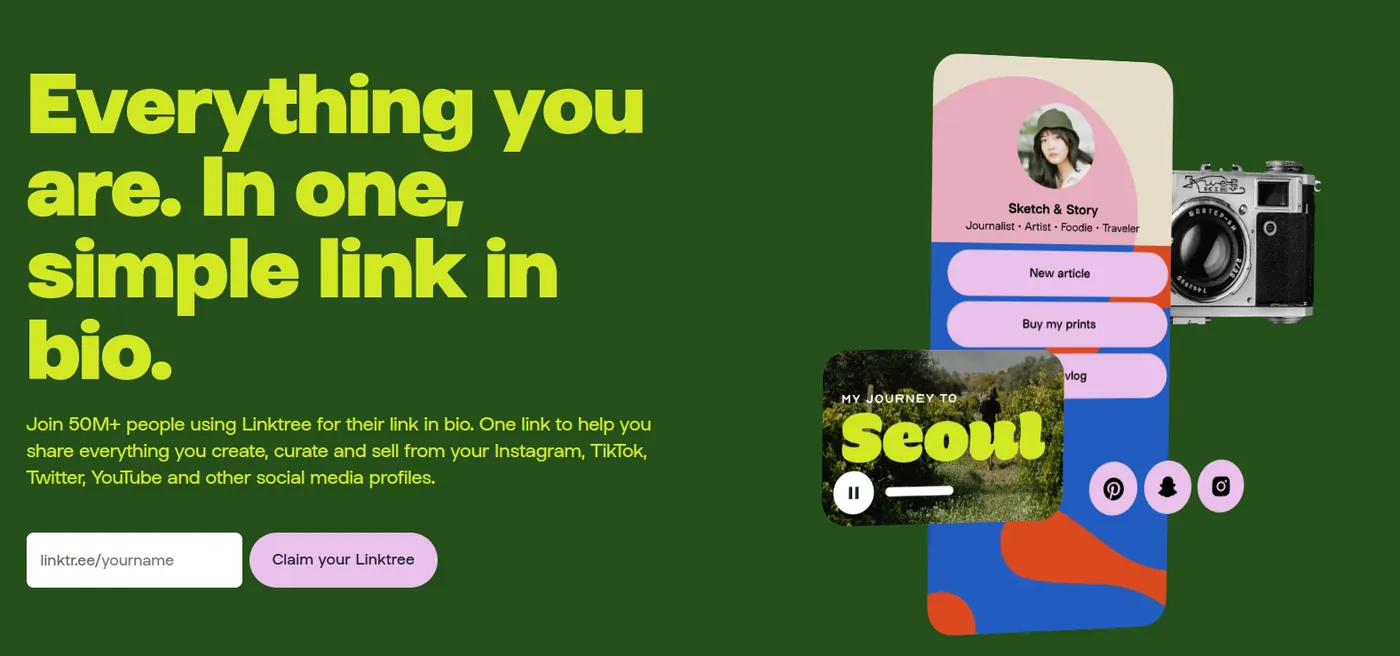
What is Linktree?
Linktree is a link in bio tool: it gives you one web page, at linktr.ee/yourname, that holds all the links you want to share. You put that single link in your Instagram, TikTok or YouTube bio, and visitors tap through to your shop, videos, music, booking page or other social profiles.
Linktree was founded in 2016 in Melbourne, Australia, and made the "link in bio" popular. It has a free plan with unlimited links and paid plans that add design options, deeper analytics and selling tools.
Below we explain how Linktree works, what it costs in 2026, how to set it up step by step, where to use it, and which free alternatives to try if it doesn't fit your needs.
Is Linktree free?
Yes. Linktree has a free plan with unlimited links, social icons, themes and basic click stats. The Linktree logo stays on free pages, and features like deeper analytics, link scheduling and lower selling fees are in the paid plans (see pricing below).
If you want more on a free plan, atom.bio is a free Linktree alternative with full design control, analytics, contact forms, WhatsApp buttons and reviews, built for small businesses and creators.
Linktree definition
Linktree is a platform that groups several links under one short address (linktr.ee/yourname). You put that address in your bio on Instagram, TikTok, YouTube or X (Twitter), and your followers use it to reach your website, online shop, YouTube channel or anything else you want to highlight.
Think of it as a very simple landing page. On Instagram, for example, you can only show a few links in your bio, so one Linktree link sends people to a page with as many buttons as you need.
How does Linktree work?
Linktree works the same way as any other link in bio tool. Here's the short version (we show the full sign-up with screenshots further down):
The basic steps
- Sign up: create a free or paid account on the Linktree website or app.
- Customize your page: pick a theme, colors, background and fonts.
- Add your links: your products, social profiles, online store or any other content.
- Copy your Linktree URL: paste it into your Instagram, TikTok or X bio, or anywhere else.
- Share it: mention it in posts and stories, and add it to your email signature.
- Check the stats: see which links get clicks and update the page when something changes.
If you use a Linktree alternative, the steps are exactly the same.
Create your free link in bio with atom.bio
If you'd like more design options and business blocks without paying, you can build the same kind of page as a free Linktree alternative on atom.bio. That's our tool, and all the page blocks are on the free plan.
What is Linktree used for?
Key benefits of using Linktree
A link in bio tool like Linktree helps in three simple ways:
- One link for everything: all your important links live in one place.
- More visits where it matters: you can send followers straight to your newest video, product or booking page.
- Easier for visitors: people tap one link and see clear buttons, instead of searching your profile.
Who uses Linktree?
Almost anyone with a social media profile. These are the most common groups:
- Content creators and influencers: to share videos, podcasts, blog posts, affiliate links and sponsor deals from one link, so followers find the latest content in one tap.
- Businesses and brands: to send people to the online store, services, product pages or a sign-up form for a campaign.
- Musicians and artists: to share new tracks, albums, concert dates and merch, so fans can listen and buy from the same page.
- Nonprofits and charities: to share donation links, volunteer sign-ups, upcoming events and news.
- Educators and coaches: to give students and clients quick access to courses, materials, booking pages and sign-up forms.
How much does Linktree cost in 2026?
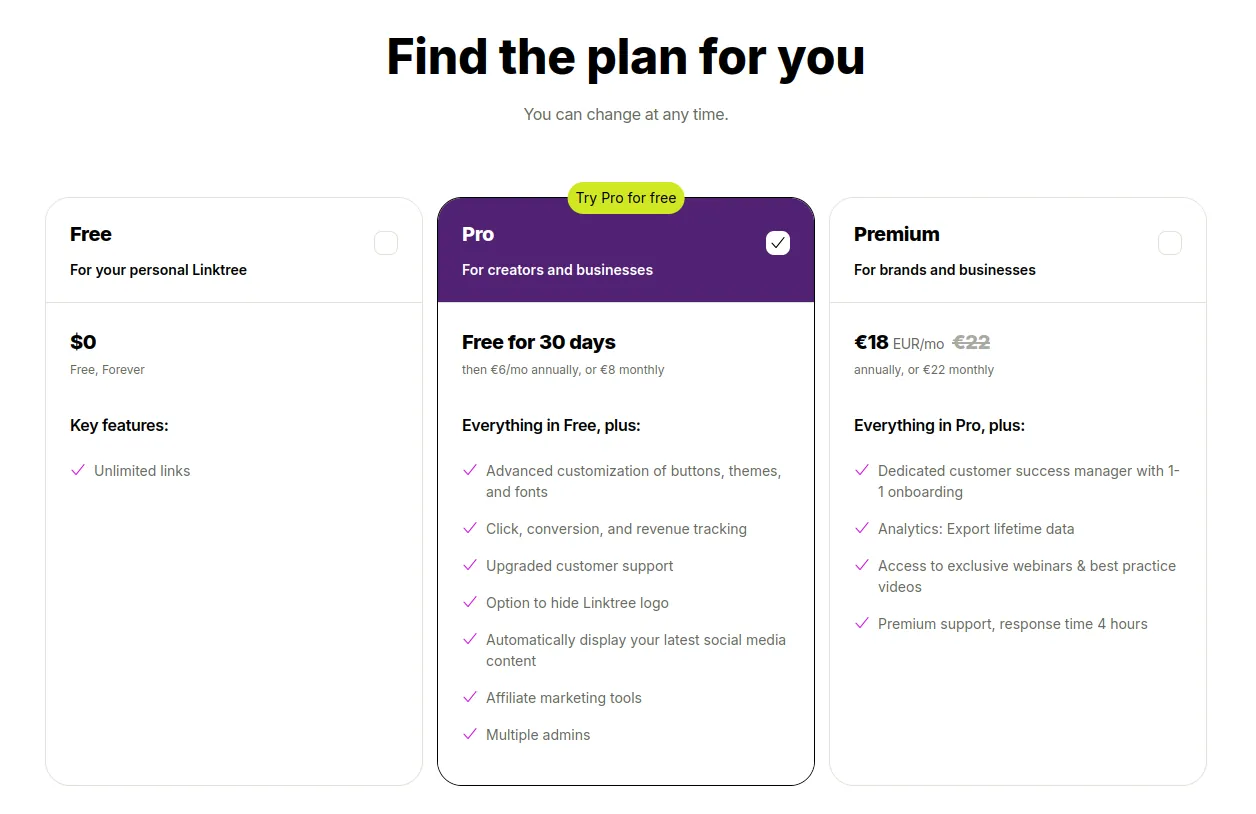
Linktree has one free plan and three paid plans. Prices below are the US monthly prices; paying yearly is cheaper, and Linktree shows local prices in some countries.
Free ($0)
- Unlimited links and social icons
- Themes and basic design options
- Basic analytics
- A QR code for your page (PNG or SVG)
Starter (about $8/month)
- More design options
- Link scheduling
Pro (about $15/month)
- Advanced analytics
- Monetization and SEO tools
- Hide the Linktree logo
Premium (about $35/month)
- Full analytics, commerce and integrations
- Hide the Linktree logo
- Priority support
Prices and plan features last checked on October 20, 2026. Linktree changes its plans often, so check its pricing page before you pay.
Want those features for free? Compare the best free Linktree alternatives.
Step-by-Step guide to creating Linktree
Here's how to create your Linktree page, screen by screen:
1. Sign up
- Go to linktr.ee and click «Sign up free» or «Get started for free».
- You can do this from any browser or from the Linktree app.
2. Register your account
- Fill in the registration form.
- Use an email you can open, because Linktree sends a verification code to activate your account.
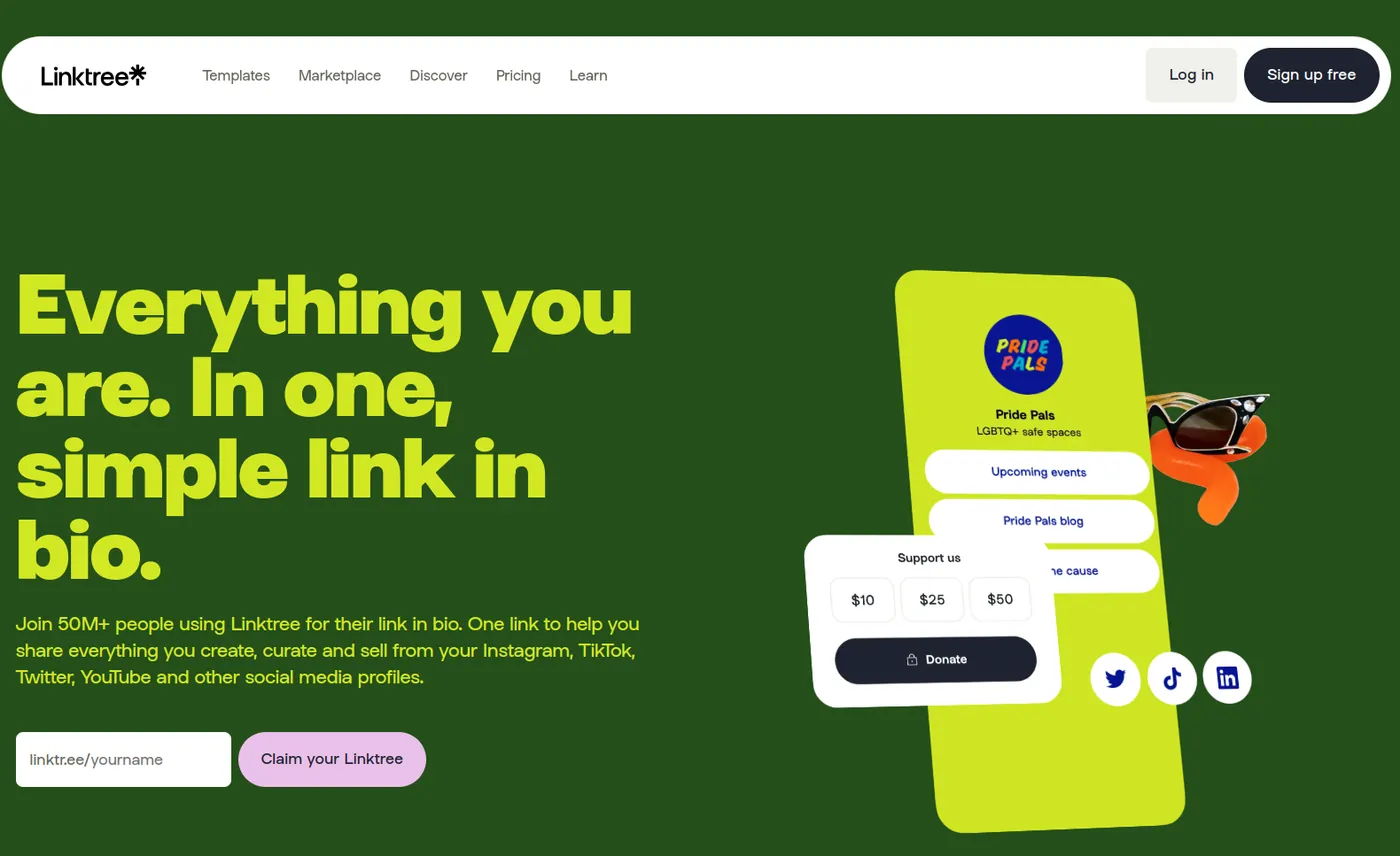
3. Choose your Linktree URL
- Pick a name that people will recognize: your Instagram handle, brand name or business name.
- This becomes the public link you share with your audience.
4. Select a plan
- Linktree has a free version with some limits. You'll see the plans on this screen.
- If you want a free alternative with more features, try atom.bio.
5. Select a template for your landing page
- Choose a template that fits your brand.
- Select the social networks you want to include.
6. Add your social media icons
Paste your usernames or profile links so the icons point to the right accounts.
7. Add your links
Add links to your website, blog, online store, YouTube channel or social media profiles.
8. Add a profile picture, name and bio to make your page more personal
9. Done!
Your page is ready to publish. Each link you added now shows as a button.
Note: the free version shows the Linktree logo at the bottom of your page.
10. That's just the start
From here you get an editing menu with more options, some free and some paid: templates to change the style, different button styles and more. You can add as many links as you need.
If you'd rather have full design control for free, you can sign up for atom.bio instead.
Where can you use Linktree?
Linktree on Instagram
Using Linktree on Instagram is very common because links in captions and comments aren't clickable. Instagram lets you add a few links to your bio and a link sticker to Stories, but a single link in bio page is still the easiest way to send followers to everything you offer. Our guide to the link in bio for Instagram shows how to set it up.
Link in bio tools started as a fix for that one-link limit, but people now use them for much more: one page with your website, online store, YouTube channel and anything else that matters, so your profile is easier to use.
Here are other places where a Linktree (or any link in bio page) works well.
Add Linktree to TikTok
Like Instagram, TikTok gives you a single link field in your bio. With a Linktree or similar page in that field, followers can reach your blog, online store or other social profiles from one link. See our link in bio for TikTok guide for the steps.
Use Linktree in your email signature
Adding your link in bio to your email signature shares all your important links in every email you send. People can find your social profiles, website and other resources in one click.
Example: we use atom.bio/atombio in every email we send.
Include Linktree on business cards
Business cards are still useful, especially at events and in shops. Add a QR code that opens your link in bio page, and people can see your social profiles, portfolio or website straight from the card. With atom.bio you get a QR code for your page automatically, and you can also convert any link into a QR code.
It makes it easier for clients and partners to reach you, and it shows you've thought about how people will find you.
Other creative uses for Linktree
Link in bio pages work well outside social media too. A few ideas:
- Online forums and communities: send people from your forum profile to your other channels.
- YouTube video descriptions: one link to your social profiles, shop or related videos.
- LinkedIn profiles: show your portfolio, projects or published articles.
- Events and webinars: share registration links, the schedule, materials and recordings.
- Promotions and contests: keep the rules, sign-up form and winner announcement on one page.
Getting the most out of Linktree
Linktree, or any similar tool, is useful well beyond Instagram. Use the same link everywhere people might look for you, and your page becomes the one place where they find everything you do.
atom.bio: The best alternative to Linktree for business
Why choose atom.bio?
We built atom.bio as a free alternative to Linktree for small businesses and creators, and more than 1 million users have signed up so far. Here's what you get:
- All the blocks on the free plan: unlimited links, analytics, contact forms, WhatsApp buttons, Google Maps and opening hours. Free pages show small ads. Premium removes them and the atom.bio banners, for $3.99/month or $29/year.
- More design options: your own colors, fonts, button styles and background images or gradients, so the page looks like your brand.
- Customer reviews: show your reviews on your page and add a button to ask happy customers for one.
"You can add all your links in one place, there are lots of styles… The best part is that it's free and it doesn't ask for a payment method to save your site." Salem Nails, atom.bio/salemnails (translated from Spanish)
Want to see the differences between Linktree and atom.bio? The quickest way is to try it: create your free atom.bio page and compare.
To sum up: Linktree is a practical tool for sharing many links from one URL, mostly in your Instagram bio, and you can also use it as a very simple mini website for your brand or projects.
Linktree has free and paid plans. If you want a completely free option with more design control and business blocks, we think atom.bio is the better fit, especially for local businesses.
Want to see more options? Start with our 20 best Linktree alternatives compared side by side, or read our guide to the best link in bio tools.
Linktree FAQ
Is Linktree free?
Yes. Linktree has a free plan with unlimited links, social icons, themes and basic analytics. The Linktree logo stays on free pages, and deeper analytics, scheduling and selling tools are in the paid plans, from about $8 per month.
What is Linktree used for?
Linktree is used to share several links from one bio link. Creators, brands and businesses put their linktr.ee page in their Instagram, TikTok or YouTube bio so followers can reach their shop, content, music, bookings and other profiles in one tap.
How do I add my Linktree to Instagram?
Copy your Linktree URL (linktr.ee/yourname). In Instagram, go to your profile, tap Edit profile, then Links and Add external link. Paste the URL, give it a title and save. The same steps work for any link in bio page.
How many links can you have on Linktree?
Unlimited, even on the free plan. In practice a page works best with 5 to 7 clear links, ordered by what matters most to your visitors.
What is the best free alternative to Linktree?
atom.bio is a strong free alternative: unlimited links, full design control, analytics, contact forms, WhatsApp buttons, maps and reviews are all included on the free plan. See our comparison of 20 Linktree alternatives for other options.