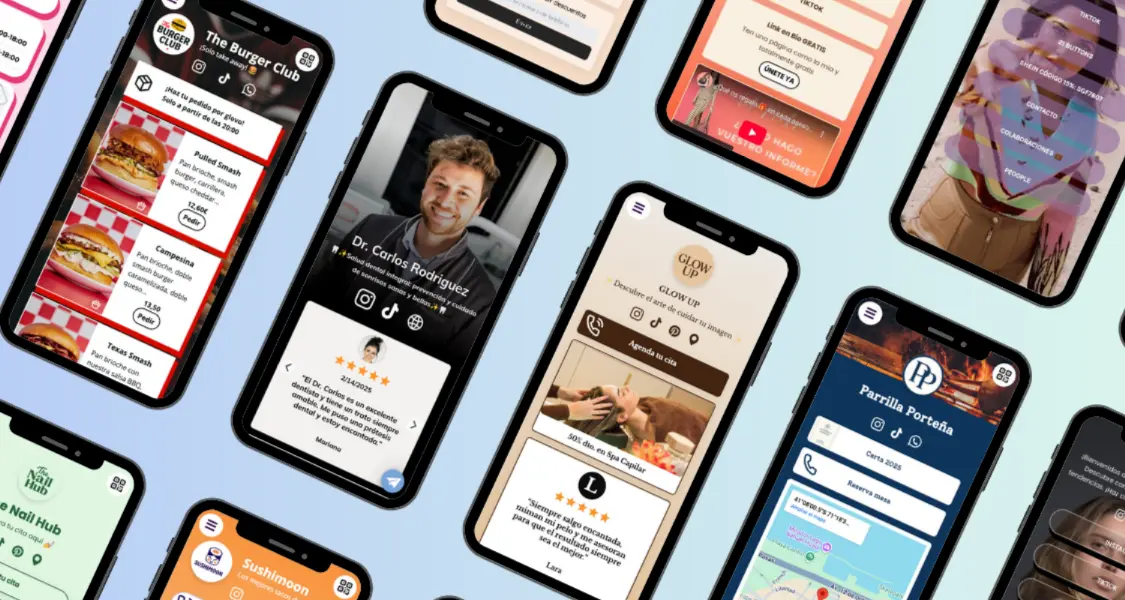
Want to share your WhatsApp number with a single click? With atom.bio you can create your WhatsApp link for free in seconds, even adding a custom message so customers know exactly what to write.
Perfect for entrepreneurs, online stores, local businesses and content creators, this tool is built for people who want a simple solution with no technical headaches. You don't need to code or install strange apps — just enter your number and generate the WhatsApp link you can share anywhere.
What is a WhatsApp link?
A WhatsApp link turns your number into a link that, when clicked, opens a conversation with you directly. You can even add a preset message like "Hi, I saw your store and want more info". This is great for businesses because it removes friction and lets customers reach you without typing your number. If you also want to share Instagram, TikTok or your catalog alongside it, see how to put all your social networks in one link.
How to create your WhatsApp link with atom.bio
Follow these steps to build your WhatsApp link in under a minute:
- Open the generator: go to the atom.bio WhatsApp link generator.
- Enter your number: include the country code (e.g. +1, +44, +52).
- Write an optional message: something like "Hi, I'd like to place an order".
- Click "Generate link": copy your WhatsApp link and share it wherever you want.
Where can you use your WhatsApp link?
- In your Instagram or TikTok bio
- On your website or online store
- In Facebook, Telegram or Marketplace groups
- On digital business cards
- In email signatures, or on stickers and flyers
- Or simply in social media posts and messages
The more visible your WhatsApp link is, the more chances you have to receive messages and turn visits into customers. And if you'll print it on cards, shop windows or menus, you can also convert that link into a QR code for even faster access.
Want more than a simple link?
atom.bio doesn't just create your WhatsApp link. You can also design a custom page with all your links — your WhatsApp number, Instagram, products, menu, catalog and more. That's called a link in bio, and it centralizes your whole online presence on one page. If you're comparing tools, see the best Linktree alternatives and our roundup where we tested 5 sites like Linktree.
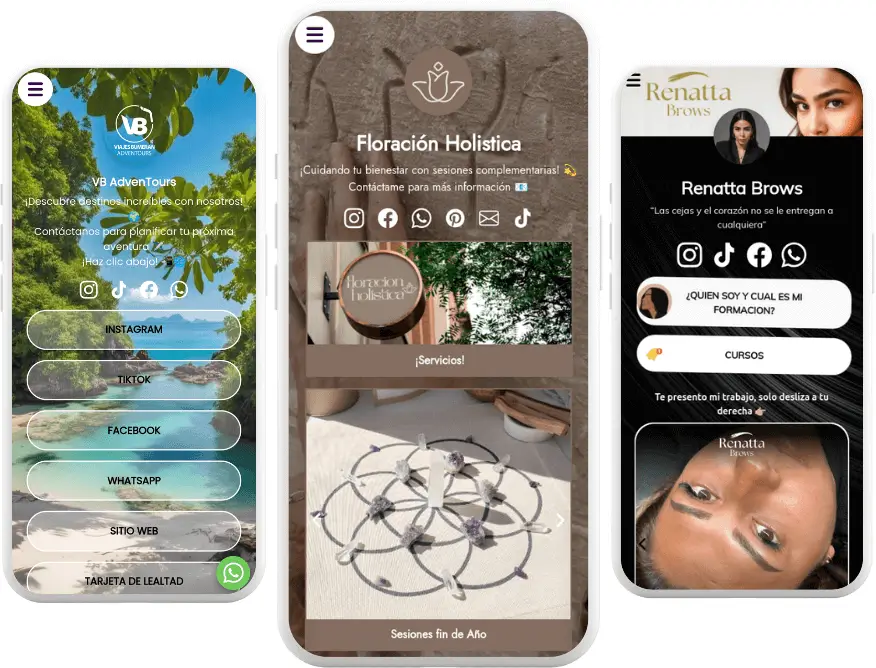
With atom.bio you can:
- Gather all your links on one page accessible from your bio
- Add images, videos and custom buttons
- See click and visit analytics
- Update your info without changing the link
- Include your WhatsApp link alongside other contact and sales channels
Tips to get the most out of your WhatsApp link
- Use a preset message to start the first conversation and guide the customer.
- Add it to all your social profiles so it's always within reach.
- Pair it with a call to action like "Click to chat with me".
- Combine it with an atom.bio page if you have more to share.
👉 Create your WhatsApp link now: atom.bio WhatsApp link generator.