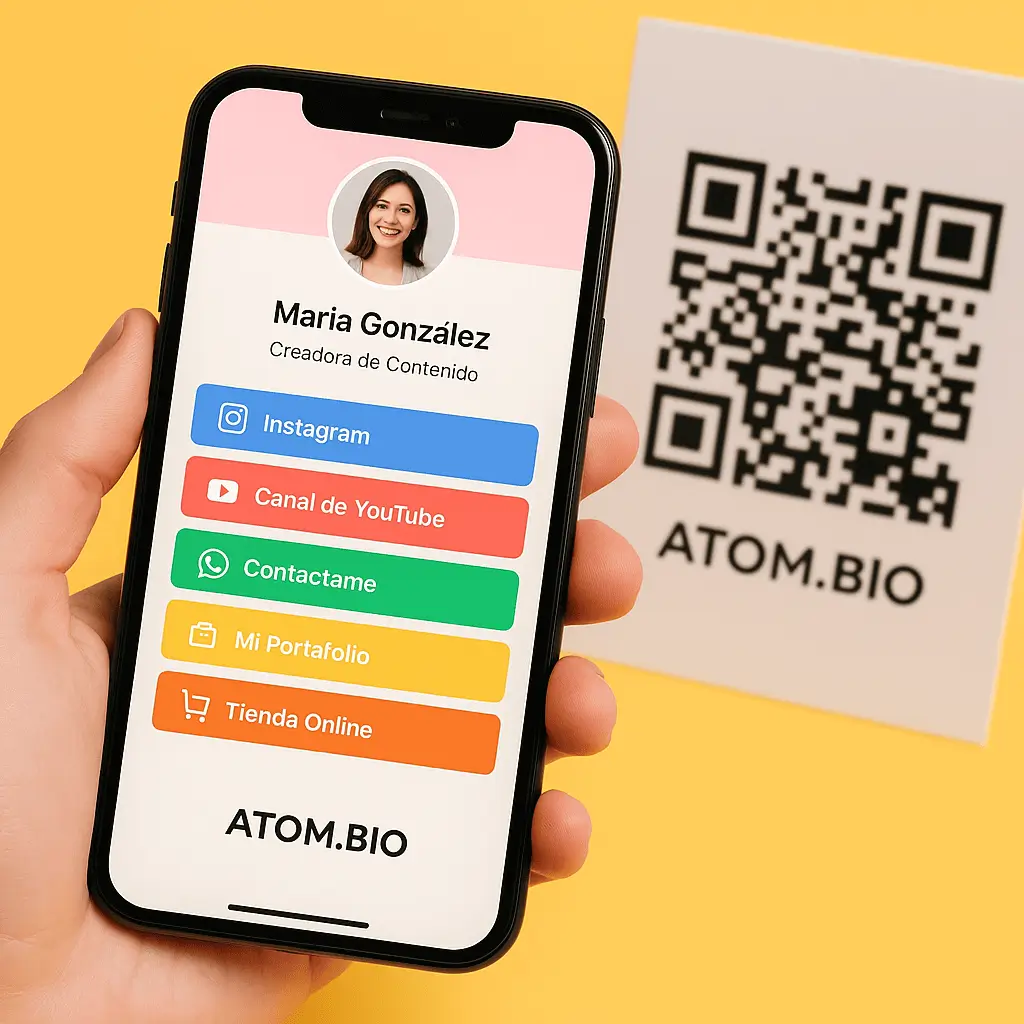
Converting a link into a QR code is more popular than ever. How many times have you scanned one of these codes and wondered how to make one for your social media or website?
Converting a link to a QR is easy with atom.bio
atom.bio makes it simple: in just a few seconds you can convert a link into a QR code for free, with no hassle.
In an increasingly digital world where speed and easy access matter, QR codes have become an essential tool. Whether you want to share your portfolio, your social profiles, a digital menu or any content, converting a link into a QR code saves time and looks more professional. If you're not sure which URL to put behind your QR, here is how to gather all your social networks in one link.
What is a QR code?
A QR code (Quick Response code) is a two-dimensional barcode that stores data — usually a link — which users scan with their phone camera or a dedicated app to reach that content directly. It's a fast, modern, frictionless way to share information.
Why convert a link into a QR code?
QR codes are great for many everyday situations:
- Networking: add a QR to your business card so others reach your LinkedIn, website or CV directly.
- Marketing: put QR codes on flyers, posters or packaging to send customers to your online store, social profiles or promotions.
- Hospitality and events: share digital menus, surveys or registration forms with a single scan.
- Digital content: point users to a video, playlist, gallery or landing page without typing a URL.
How to generate your QR code for free with atom.bio
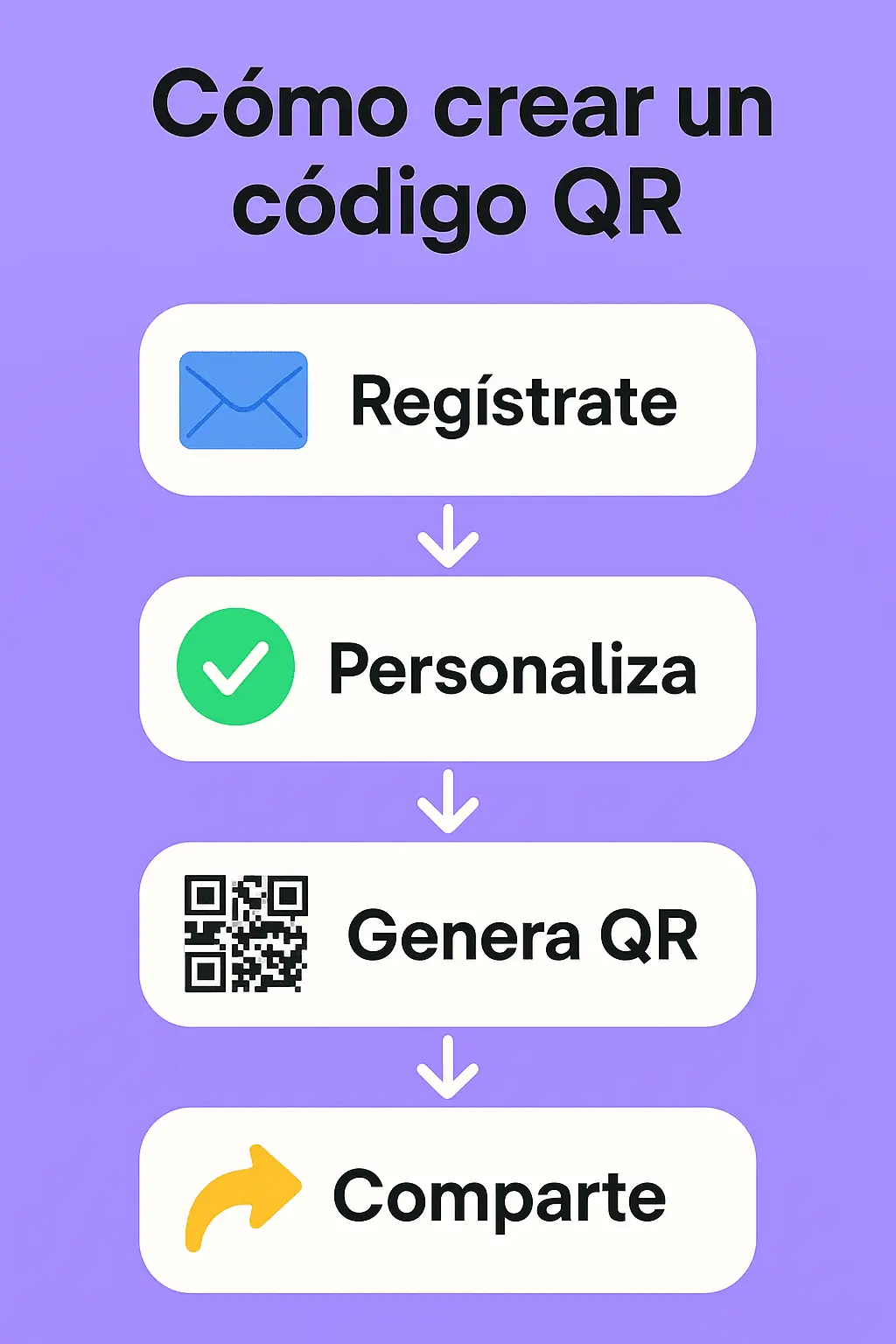
atom.bio offers a simple, completely free tool to generate QR codes. Here's how to use it step by step:
- Open the tool: go to the atom.bio QR code generator.
- Paste your link: copy the link you want to convert (your website, Instagram, TikTok, a form, etc.).
- Click "Generate QR": the code is created automatically.
- Download your QR code: save it as an image and use it across your channels, printed or digital.
Can the QR be customized?
Yes. The basic version gives you a QR instantly, but atom.bio also offers extra options if you use it to create your link page — a customizable page where you gather all your links in one place. If you want to understand this format first, read what Linktree is and how a link page works.
When you do, you can:
- Customize your link page with images and colors that match your brand.
- Link the QR to your atom.bio profile, where you centralize your content.
- Access analytics on how many times your QR has been scanned (great for marketing campaigns).
Looking for a link in bio tool too?
Many people who create QR codes also want a page to point them to. If that's you, compare the best Linktree alternatives and our in-depth roundup where we tested 5 sites like Linktree, then build your own page.
Creating a QR code no longer requires technical skills or paid tools. With atom.bio you can turn any link into a scannable, professional code in seconds.