How to use atom.bio
Use these guides to set up your atom.bio page, add the right links and share it in the places that matter for your work or business.
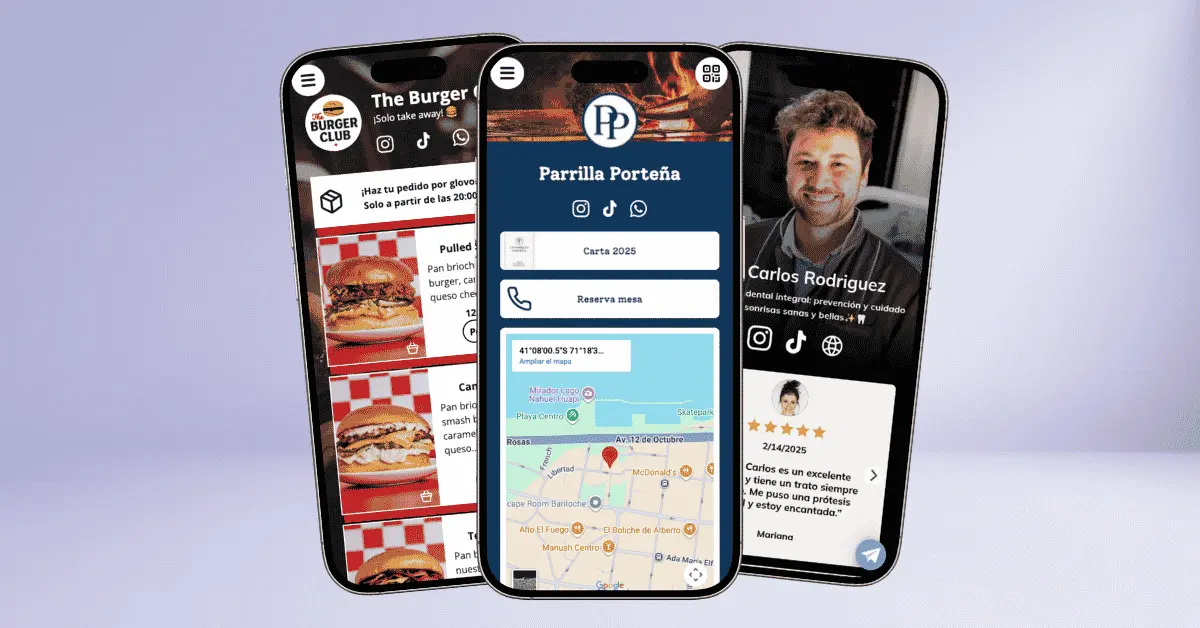
Getting started with atom.bio
Start with the basics: create your page, add your main links, connect your social profiles and adjust the design. When the page is ready, share it where people already look for you. See where to share your atom.bio and how to do it on each platform, including Instagram, TikTok, WhatsApp and QR.
Sharing guides
If you already have your page, go straight to the guide for the place where you want to publish your link.
Link in bio and social media
A link in bio page gives you one link for your social profiles, store, WhatsApp, catalog and contact options. With atom.bio you can create your link in bio for free and use it on Instagram, TikTok, Facebook, YouTube or any other platform.
If you are still comparing tools, these guides help you decide: the best link in bio tools, the best Linktree alternatives, and an explainer on what Linktree is and how it works.
For businesses
If you run a business, atom.bio can work as a simple page with your services, hours, location and contact buttons. You can build a link in bio for businesses, or go a step further and create a free website for your business. To show products or services, add a digital catalog that customers can browse from their phone.
WhatsApp, catalog and QR
WhatsApp, catalog and QR are useful when people need to act quickly. An online catalog for Instagram and WhatsApp helps customers choose products and send their order to your chat. A page with a QR code works well on menus, flyers and shop windows, while a link in bio with WhatsApp helps visitors start the right conversation.
Don’t have a page yet?
Join over 500,000 users sharing all their links with atom.bio.