The biggest difference between go!biolink and atom.bio is the free plan: atom.bio gives you unlimited links and blocks and full design control without paying. go!biolink’s free plan stops at 1 page and 10 blocks, and getting more costs $4.99/month or $29/year. go!biolink still has real strengths, like detailed analytics and payments on the page, so here is the honest comparison.
Link in bio tools fix the one-link problem on Instagram and TikTok. After testing many of them, I found the real differences are in the free plan: how many blocks you get, how much you can change the design, and what you have to pay for. Keep in mind this is the atom.bio blog; that’s why I’ve spelled out where go!biolink is the better pick.
go!biolink vs atom.bio at a glance
| atom.bio | go!biolink (when I checked) | |
|---|---|---|
| Free plan | All features, unlimited links and blocks; small ads on the page | 1 bio link page, 10 blocks, 10 short links, 1 vCard, 5 QR codes |
| Paid plan | Premium $3.99/month or $29/year (removes ads, adds contact form email alerts); Premium + Domain $96/year | Pro $4.99/month or $29/year (10 pages, all blocks, payments) |
| Design | Any colors, fonts, button styles; backgrounds with your own images, gradients, single colors or stock images | Templates and themes |
| Analytics | Page views, link clicks, traffic sources, top links, CSV export; Google Analytics and Facebook Pixel | Countries and cities, referrers and UTMs, devices, browsers and languages |
| Selling | Products with price and photo, WhatsApp orders, catalogs, store links; no commission | Payment processors on Pro |
| Contact tools | Contact form, WhatsApp/Telegram/Messenger chat bubble, call links, Google Maps | vCard business card |
| Extras | Automatic QR code, reviews block, opening hours; available in English, Spanish, Portuguese and Catalan | Short links, QR code generator, static site hosting |
The limits of go!biolink’s free plan
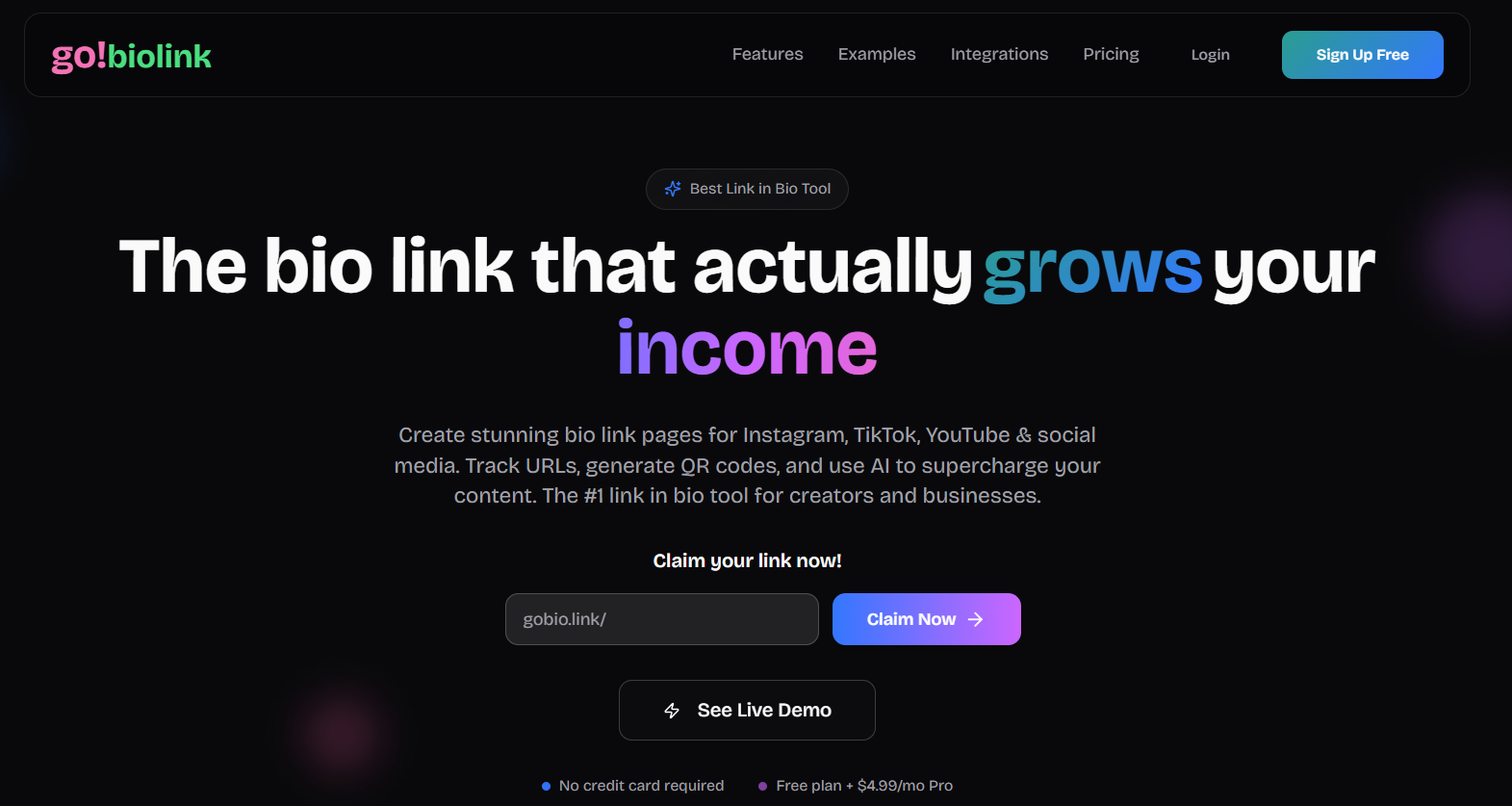
go!biolink looks good at first. You claim gobio.link/yourname, no credit card needed, and you get a clean dark design plus short links and QR codes. The limits show up when you try to put everything you do on one page.
The free plan runs out fast
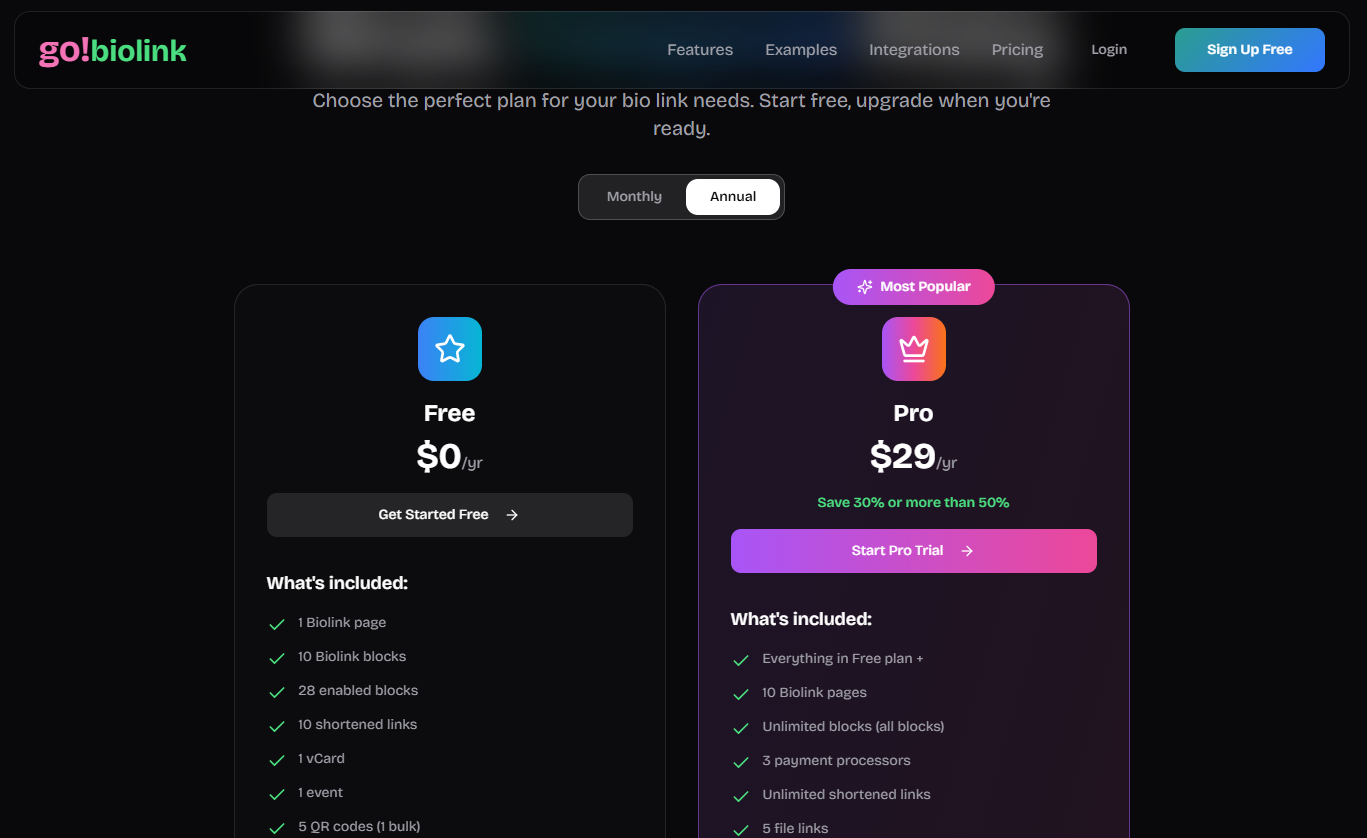
go!biolink’s pricing page lists 1 bio link page and 10 blocks on the free plan. Ten blocks sounds fine until you add a header, your socials, a video, three products, a contact option and a couple of promos. To get all blocks you need Pro.
On atom.bio I could add as many links and blocks as I wanted in my tests, and organize them exactly how I needed, without paying.
Selling without fees
go!biolink Pro lets you connect payment processors and take payments on the page, which is useful if that’s what you need. In my tests I was promoting an online shop, so I wanted a free way to show products. On atom.bio I can add products with price and photo, a catalog or price list, and a button to order by WhatsApp. atom.bio doesn’t process payments, so it never takes a commission.
Setup and first impressions
atom.bio was quick. I had a complete page in under five minutes, and I saw the same in my 30-day Bio.site vs atom.bio test. The steps:
- Choose a template for your category
- Upload images for the background or banner
- Add your links and blocks
- Go live (your page is at atom.bio/your-name)
Editing from your phone
Social media happens on the phone, so this matters. atom.bio works the same on phone and computer. I made changes sitting on the train home, with the same options I had on my laptop.
Templates
atom.bio offers templates by category instead of one generic design for everyone, and you can change every part of them. That made it easy to start, without holding me back once I wanted something more specific.
Customization and branding
Your link in bio page is part of your brand. On atom.bio I could change every visual element for free: colors, fonts, button styles, and backgrounds with my own photos, gradients or a single color. There’s also a library of stock images and icons, and link highlight animations to point people to your main link.
Here’s how I made my page feel like me:
- Fonts: pick the typography that matches the rest of your content.
- Brand colors: use the same colors as your logo and posts.
- Buttons: choose the button style and highlight the link that matters most.
- Background: gradients, a single color, stock images or your own photo.
Custom domains
A page on your own domain looks more professional when you send people to buy or book. On atom.bio, Premium + Domain costs $96/year and includes the registration of your domain (yourname.com) for the first year, with automatic setup. On the free plan, your address is atom.bio/your-name.
Ads and branding
To be fair: free atom.bio pages show small ads and an atom.bio banner. Premium removes both, including the “Create your free site” button, for $3.99/month or $29/year (more than 4 months free compared to paying monthly).
Analytics: where go!biolink does well
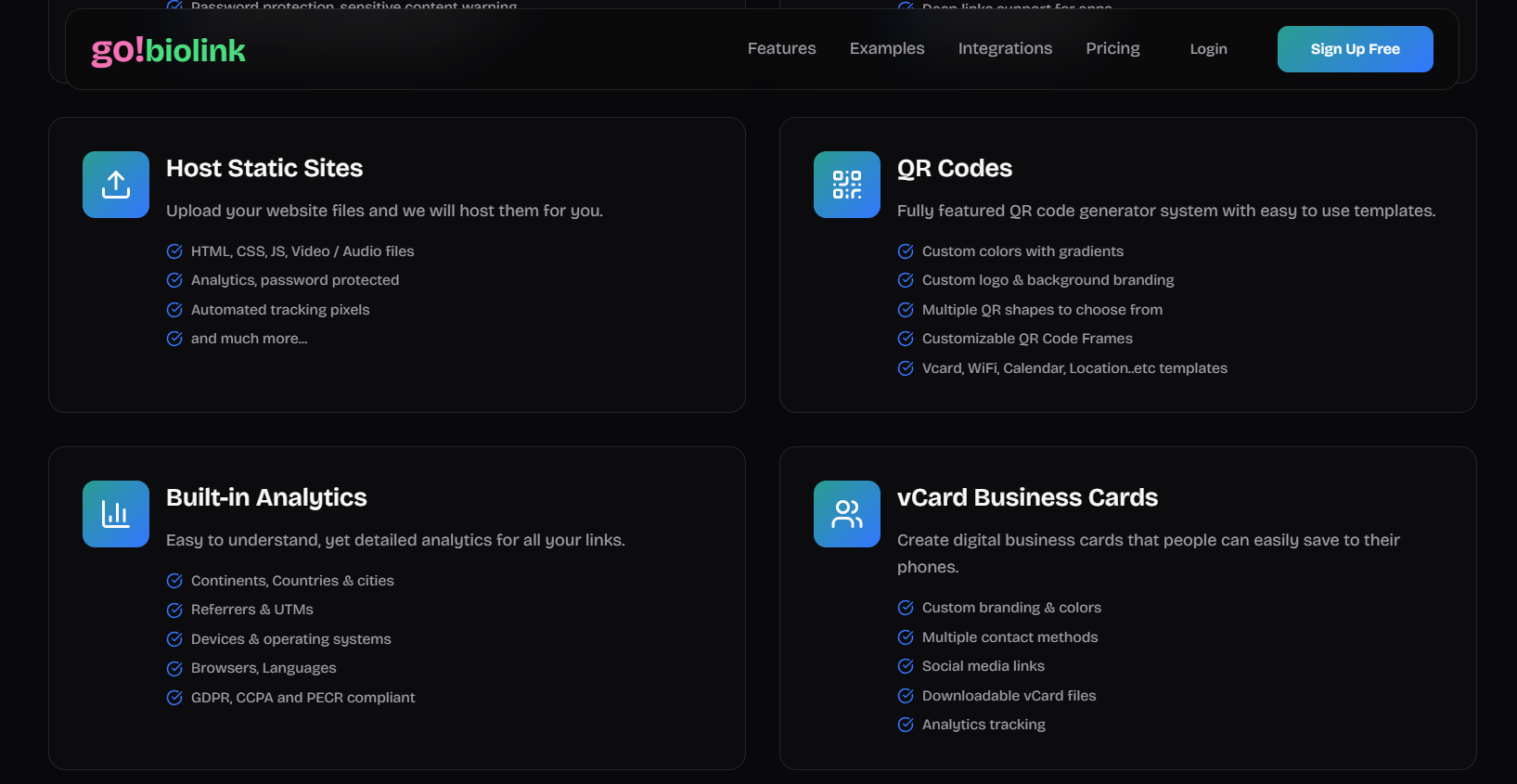
I’ll be honest here. go!biolink’s feature page lists detailed analytics: countries and cities, referrers and UTMs, devices, operating systems, browsers and languages. If you want that level of detail inside the tool, go!biolink lists more.
atom.bio’s analytics are simpler and free: page views, link clicks, traffic sources and your top links, with CSV export. For deeper data you can connect Google Analytics or the Facebook Pixel. For my needs, which were “what do people click and where do they come from”, that was enough to:
- Focus on the content that brings clicks
- See which social network sends the most visitors
- Move my best link to the top
- Drop links nobody uses
Selling and collecting contacts
atom.bio: products, catalogs and contact form
On atom.bio you can show products with photo and price, swipeable photo galleries, catalogs and price lists, and links to your shop, courses or services. Customers can order by WhatsApp, and the money goes straight to you.
The contact form collects names, emails, phone numbers and messages, so you can build your own list for:
- Newsletters and exclusive content
- Special offers and promotions
- Following up with people who asked about a product
Sylvia Torras, who uses atom.bio for her services (atom.bio/saviesainterna), wrote in her review: “Since I added WhatsApp, I get more requests for information about my services and I can talk to clients more easily.” (translated from Spanish)
go!biolink: payments on Pro
go!biolink Pro includes payment processors, so buyers can pay on the page itself. If that’s essential for you, it’s a point in its favor. If you already have a shop or sell by message, you don’t need it.
Pricing and long-term value
What you get for $0 on atom.bio
- Unlimited links and blocks, 100% customizable design
- Analytics with CSV export
- Products with price and photo, WhatsApp orders, no commission
- Contact form for emails and phone numbers
- Automatic QR code for your page
- Google Maps, opening hours and reviews blocks
- Downloadable files like PDFs and menus
Is go!biolink worth upgrading?
Both tools have a $29/year plan, but they give you different things. On go!biolink, $29/year gets you more pages, all blocks, unlimited short links and payments. On atom.bio the blocks and design options are already free, and $29/year removes the ads and adds email alerts for your contact form. If you need 10 separate bio pages or on-page payments, go!biolink Pro is a fair price. If you want one complete page, atom.bio’s free plan covers it. You can compare atom.bio plans here.
Final thoughts
In my comparison, the difference comes down to the free plan. atom.bio gave me unlimited blocks, full design control, products and a contact form without paying. go!biolink’s free plan stopped at 10 blocks.
go!biolink is a good choice if you want short links, QR codes and very detailed analytics in one place, or if you need to take payments on the page. atom.bio is the better fit if you want one complete, good-looking page for free and you sell through your shop or WhatsApp.
Want to compare more options? See our roundup of the best link in bio tools, or create your free link in bio page.
FAQs
Is atom.bio free or does it cost money?
atom.bio is free and includes unlimited links and blocks, full design control, analytics, contact form, products and an automatic QR code. Free pages show small ads. Premium removes ads and atom.bio banners and emails you when someone fills in your contact form, for $3.99/month or $29/year, and Premium + Domain adds your own domain for $96/year.
What are the main differences between atom.bio and go!biolink?
atom.bio’s free plan has unlimited links and blocks and lets you change every color, font and background. go!biolink’s free plan has 1 page, 10 blocks, 10 short links and 5 QR codes. go!biolink lists more detailed analytics (cities, devices, browsers) and lets Pro users take payments on the page; atom.bio sends buyers to your store or to WhatsApp and takes no commission.
How much does go!biolink cost?
go!biolink’s pricing page lists a free plan and a Pro plan at $4.99/month or $29/year. Pro adds 10 bio link pages, all blocks, unlimited short links and 3 payment processors. Check gobio.link for current prices.
Can I use my own domain name with atom.bio?
Yes. atom.bio’s Premium + Domain plan costs $96/year and includes the registration of your own domain (like yourname.com) for the first year, with automatic setup. On the free plan your page lives at atom.bio/your-name.
Which one is better for selling?
If you want to take card payments directly on your bio page, go!biolink Pro includes payment processors. If you sell through your own store, courses or WhatsApp, atom.bio lets you list products with price and photo, add catalogs and price lists, and collect orders by WhatsApp for free, with no commission.