
After 30 days with both tools, I’d pick atom.bio for most creators and small shops. Its free plan gave me unlimited sections, full design control and analytics, and it takes no fee on sales. Bio.site, the link in bio tool from Squarespace, has clean templates, but its free plan stopped at 5 sections and took 8% of every payment. Both are legitimate, safe services.
Below I share how I tested them, what each one costs, whether Bio.site is safe, and which link in bio tools you can use without a monthly subscription.
A quick heads-up: you’re reading the atom.bio blog. I wrote down what I saw, and that includes where Bio.site does better.
Bio.site vs atom.bio at a glance
| atom.bio | Bio.site (when I tested it) | |
|---|---|---|
| Free plan | All features, unlimited links and sections; small ads on the page | Up to 5 sections |
| Fees on sales | None (atom.bio doesn’t take a cut) | 8% on payments on the free plan |
| Design | Any colors, fonts, backgrounds (your own images, gradients, solid colors) and button styles | 18 font packs, 27 color palettes, textured and animated backgrounds |
| Analytics | Page views, link clicks, traffic sources, top links, CSV export | Views, clicks and click-through rate |
| Editing | Same features on phone and computer | Web editor plus the Unfold app; some features only in the app |
| Setup time in my test | Under 5 minutes | Several minutes, more steps |
| Own domain | Premium + Domain, $96/year with the domain included the first year | Needs the Pro plan |
| Paid plan | $3.99/month or $29/year (removes ads, adds contact form email alerts) | Pro (paid) |
How I tested both link in bio tools
Anyone can compare feature lists. I wanted to use both tools the way a creator does every day, with real posts and real traffic.
The test: Instagram and TikTok for lifestyle content and a shop
I set up the same scenario on both: a creator posting lifestyle content on Instagram and TikTok while running a small online shop. That’s a common case, because both apps give you very little room for links and you need to send followers to several places.
For 30 days I shared the same posts and shop promotions, pointing followers to each page. I judged both tools on four things:
- Setup: how fast could I get a working page live, and was it easy to figure out?
- Customization: could I make it look like my brand?
- Analytics: did the data help me understand my audience and improve the page?
- Performance: did the pages load quickly and work as well on my phone as on my laptop?
I paid extra attention to analytics, because if you can’t measure what works, it’s hard to improve. To keep it fair I signed up for both on the same day, used the same logos and links, tested on the same iPhone and MacBook, and posted equally often for each page. I also tried a few different layouts to see which ones got more clicks.
atom.bio: setup, features and analytics
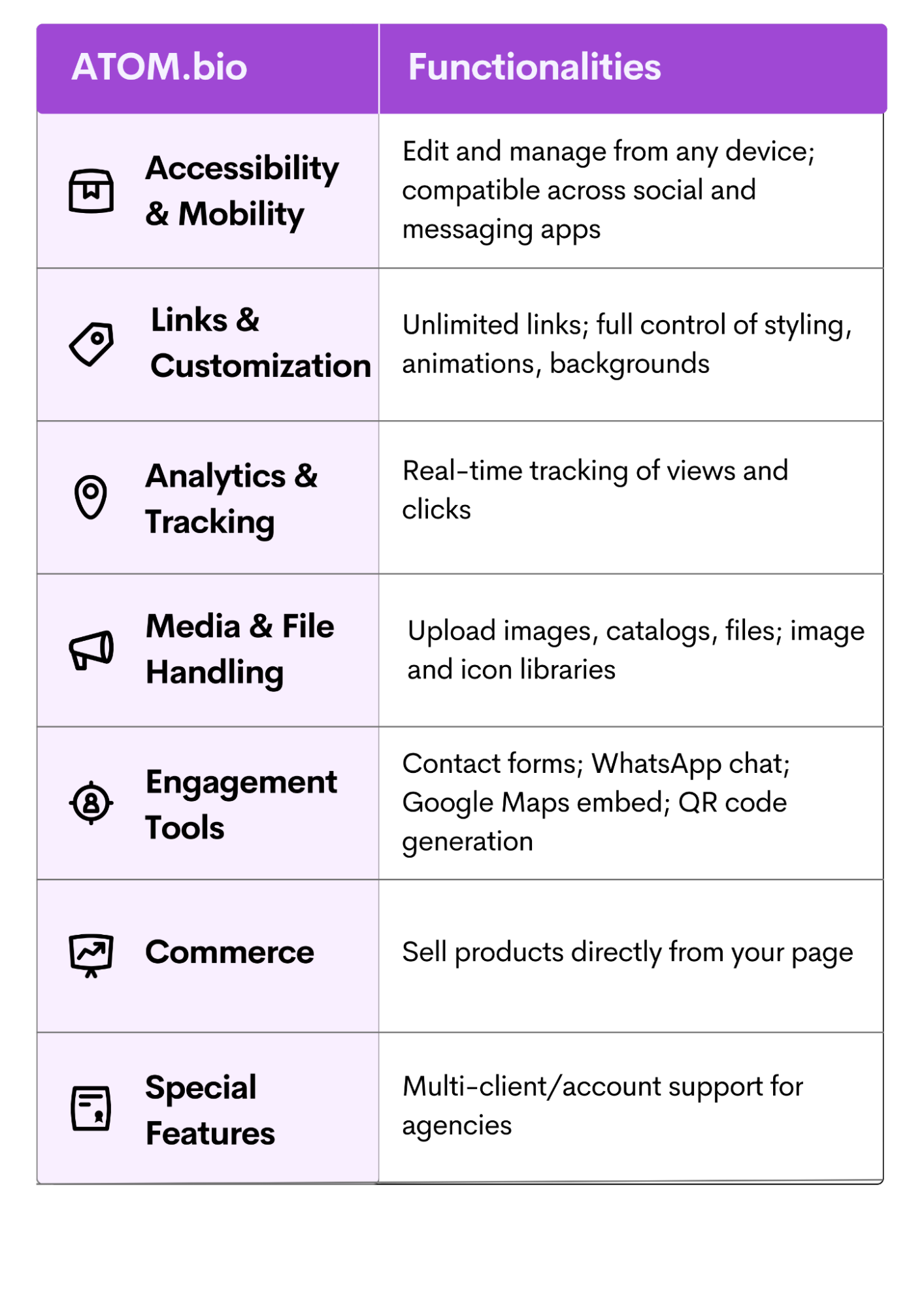
Setup time: under 5 minutes
I had a complete page in under five minutes. You pick a design and start customizing right away. The editor shows what you need without burying you in options.
Blocks: YouTube, contact form, carousels and maps
Beyond links, I could add YouTube videos, a contact form, a photo carousel, products with price and photo, and Google Maps to show a location (useful if you have a shop or studio). None of it needs code. You can see the full list of atom.bio page blocks.
Editing from my phone
Most social media work happens on the phone, and atom.bio’s mobile editor was dependable. I made changes to my page on the train home, with the same options as on my laptop.
Clicks, views and traffic sources
atom.bio includes analytics on the free plan: page views, clicks per link, traffic sources and your top links, and you can export them as CSV. I used them every week to see which promotions worked, instead of guessing.
Bio.site: setup and limits
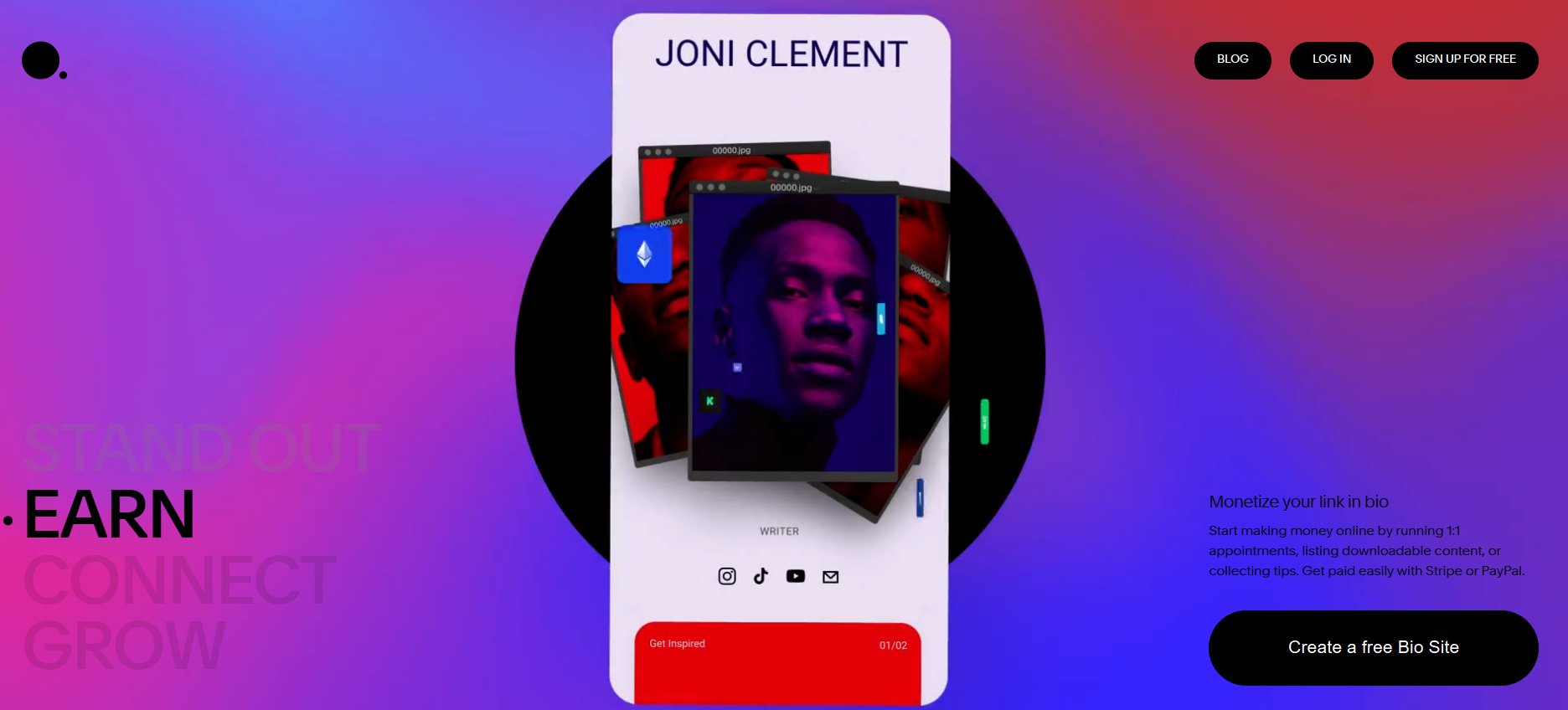
Bio.site is Squarespace’s link in bio tool, made by its Unfold team. It has a clean design and the basics work well. My hands-on test also showed clear limits.
Setup and templates
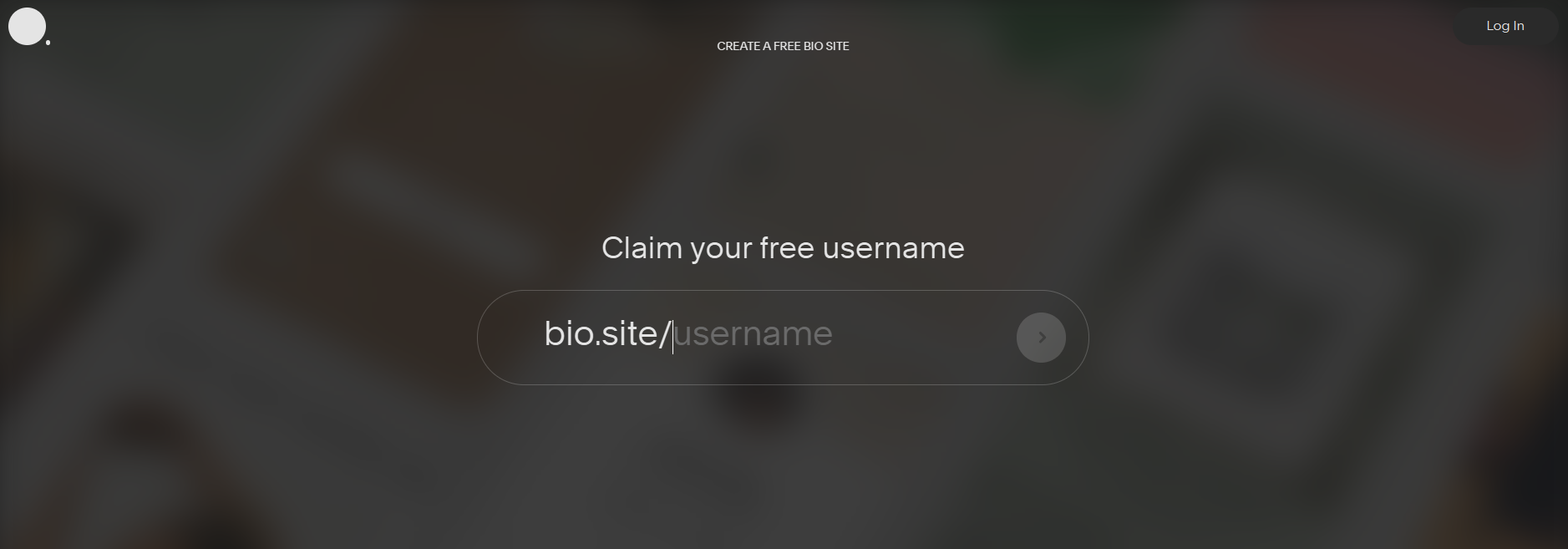
Setup follows a classic flow: claim a username, create an account and pick a template. Then you add your name, photo, social handles and links. The page publishes automatically, but you still need to keep editing to make it yours. It took me several minutes and more clicks than I expected.
Customization: nice options, few sections
You can change fonts, colors and backgrounds: 18 font packs, 27 color palettes and textures like glitter, paper or animated gradients. The catch: on the free plan you could only add five sections in total. Five sections is barely enough to show a shop, a few links and your socials. atom.bio has no section limit.
Analytics
Bio.site tracks views, clicks and click-through rate over different date ranges, and shows your most clicked links. It’s fine for a quick check, but it felt basic next to atom.bio when I wanted to understand where my traffic came from.
Mobile editing and the Unfold app
Bio.site is mobile-first and works well on phones. You can edit on the web and in the Unfold app, but some features were only in the app, which made editing from my laptop harder. On atom.bio every feature works the same on phone and computer.
Design and branding
Your page is often the first thing people see after your profile, so design matters. On atom.bio I could pick any colors, fonts, button styles and backgrounds, including my own images and gradients, all for free. Bio.site’s palettes and font packs look good, but they’re more restrictive in how you combine them.
Custom domains: both tools support your own domain. Bio.site needs the Pro plan. On atom.bio, Premium + Domain costs $96/year and includes the domain registration for the first year, with automatic setup.
Branding: free atom.bio pages show small ads and an atom.bio banner. Premium removes both, including the “Create your free site” button, so the page shows only your content. It also emails you when someone fills in your contact form.
How much does Bio.site cost? Pricing compared
Bio.site pricing: free plan and Pro

Bio.site calls itself totally free, and you can create a page without paying. But the free plan was limited to five sections and Bio.site took an 8% fee on payments received through the page. A custom domain and some features needed the paid Pro plan. Prices change, so check bio.site for the current Pro price.
That 8% matters if you sell anything: every sale through your bio link loses a cut. atom.bio doesn’t process payments and never takes a commission.
atom.bio pricing: what’s actually free
atom.bio’s free plan includes unlimited links, 100% customization, analytics, a contact form, an automatic QR code, downloadable files and products with price and photo. Free pages show small ads.
If you don’t want ads, Premium costs $3.99/month or $29/year (about $2.42 a month). I stayed on the free plan for the whole test, because no core feature is locked. See the atom.bio plans and prices.
Link in bio tools without a monthly subscription
Don’t want another monthly bill? These are the options I’d look at:
- atom.bio: free forever with all features. If you want no ads, you can pay $29 once a year instead of monthly.
- Linktree: free plan with unlimited links and basic analytics, but the Linktree logo stays on your page.
- Carrd: Pro plans are billed yearly, from $9/year, and it’s more of a one-page website builder.
For a wider comparison of free and paid options, see our guide to the best link in bio tools.
Is Bio.site safe?
Yes. Bio.site is a legitimate service from Squarespace, and opening a bio.site page is like opening any other web page: it doesn’t install anything on your phone. The real risk with any link page (Bio.site, atom.bio or Linktree) is the links its owner adds. Before you type a password or card details, check the address in your browser.
On atom.bio, page owners can also mark a link as 🔞 sensitive, and visitors see a warning before it opens.
My verdict after 30 days
The biggest difference is the free plan. atom.bio gave me unlimited sections and every feature, while Bio.site stopped at five sections and took a fee on payments.
atom.bio was also faster to set up, gave me more design freedom without CSS or a paid plan, and worked the same on my phone and laptop. Bio.site’s split between the web editor and the Unfold app slowed me down.
Where Bio.site does well: its templates are clean and minimalist, and if you already use Squarespace it feels familiar.
For most creators who want a complete link in bio page without paywalls, I’d recommend atom.bio. You can create your free link in bio page and compare for yourself.
FAQs
How much does Bio.site cost?
Bio.site has a free plan and a paid Pro plan. Its free plan allowed only 5 sections and took an 8% fee on payments you received, and a custom domain needed Pro. Prices change, so check bio.site for the current Pro price before you upgrade.
Is Bio.site safe?
Yes, Bio.site is a legitimate link in bio service from Squarespace. Opening a bio.site page is like opening any web page: it doesn’t install anything on your phone. The real risk is the links a page owner adds, so check where a link goes before you type passwords or card details.
Is atom.bio free or do you have to pay?
atom.bio is free, with every feature included: unlimited links, full design control, analytics, contact form, products and QR code. Free pages show small ads. Paying is optional: Premium removes ads and atom.bio banners and emails you when someone fills in your contact form, for $3.99/month or $29/year.
Which link in bio tools don’t require a monthly subscription?
atom.bio is free forever with all features, and if you want no ads you can pay $29 once a year instead of monthly. Linktree also has a free plan, with its logo on your page. Carrd’s Pro plans are billed yearly, from $9/year.
What are the key differences between atom.bio and Bio.site?
In my 30-day test, atom.bio gave me unlimited sections, full design control and analytics for free, with no fee on sales. Bio.site had cleaner minimalist templates, but its free plan stopped at 5 sections, took 8% of payments and kept some features in the Unfold mobile app.