
ContactInBio is the better pick for service businesses that need bookings, messenger buttons and lots of payment options. Linktree is the simplest and best-known option. atom.bio gives you the most on a free plan: unlimited links, full design, products, contact form and analytics, with no commission on sales. I tested ContactInBio and atom.bio side by side, and below I also compare ContactInBio with Linktree.
Instagram now lets you add up to five links to your profile, but that’s still not enough to show everything you do, and TikTok gives you even less. That’s why link in bio tools exist. The hard part is choosing one, so I compared design, selling, ease of use, analytics and pricing. Full disclosure: this is the atom.bio blog, so I’ve been extra careful to say where ContactInBio does better.
Quick comparison: ContactInBio vs atom.bio vs Linktree
| atom.bio | ContactInBio (when I tested it) | Linktree | |
|---|---|---|---|
| Best for | Creators, shops and local businesses | Service businesses that take bookings and payments | People who want the best-known, simplest tool |
| Free plan | All features, unlimited links; small ads on the page | Basic tracking, 12 free themes, social links, contact forms | Unlimited links, social icons, themes, basic analytics; Linktree logo stays |
| Design | Any colors, fonts, backgrounds (your own images, gradients, solid colors) | 68 themes (12 free) | Themes; more design options on paid plans |
| Selling | Products with price and photo, WhatsApp orders, catalogs; no commission | Micro-store, PayPal and Stripe, 40+ payment links | Shop and payment features vary by plan |
| Bookings | No built-in calendar (link your booking tool) | On paid plans | I didn’t test this |
| Analytics | Page views, link clicks, traffic sources, top links, CSV export; Google Analytics | Views, clicks, countries and devices | Basic analytics on free |
| Paid plans | $3.99/month or $29/year (removes ads, adds contact form email alerts); Premium + Domain $96/year | Starter $4.55/month (yearly), Business $18.20/month | Starter ~$8, Pro ~$15, Premium ~$35 per month (US, monthly) |
ContactInBio vs Linktree
Linktree started the link in bio category in 2016 in Melbourne and is still the name most people know. Its free plan gives you unlimited links, social icons, themes and basic analytics, but the Linktree logo stays on free pages and removing it needs Pro (about $15/month) or Premium. If you want to know more, read what Linktree is and how it works.
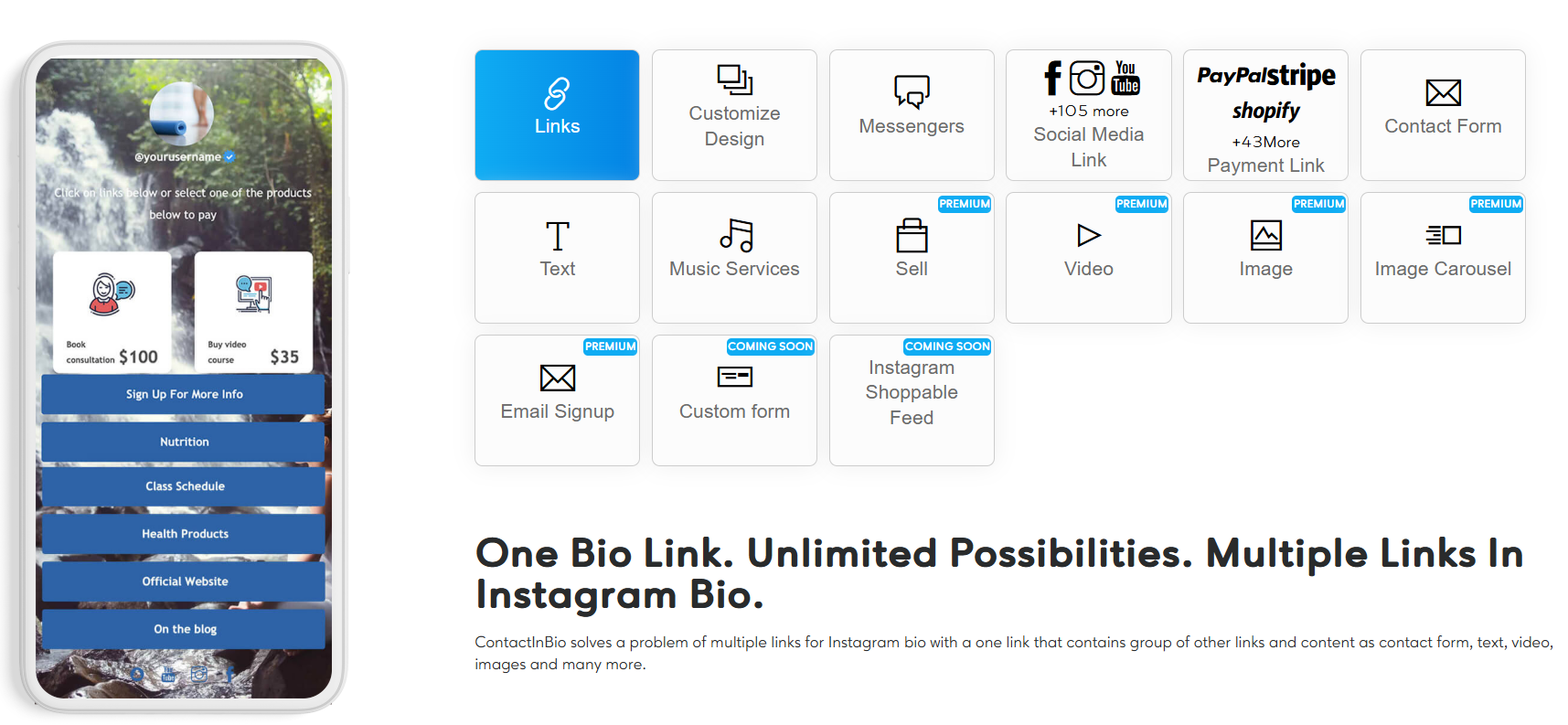
ContactInBio goes in a different direction. It’s built around contact and sales: messenger buttons for WhatsApp, Telegram, Facebook Messenger, Skype and Viber, more than 40 payment links, contact forms and bookings on paid plans. Its paid plans start lower than Linktree’s ($4.55/month billed yearly).
- Choose Linktree if you want the simplest, best-known option and don’t mind its logo on the free plan.
- Choose ContactInBio if your customers book or pay through your bio and you need many messenger and payment options.
- Consider atom.bio if you want a full page (products, contact form, maps, WhatsApp button, analytics) without paying. See more Linktree alternatives compared.
Who these tools are built for
Not every link in bio tool is built the same. The right choice depends on who you are and what you want people to do after they click.
atom.bio: creators, shops and local businesses
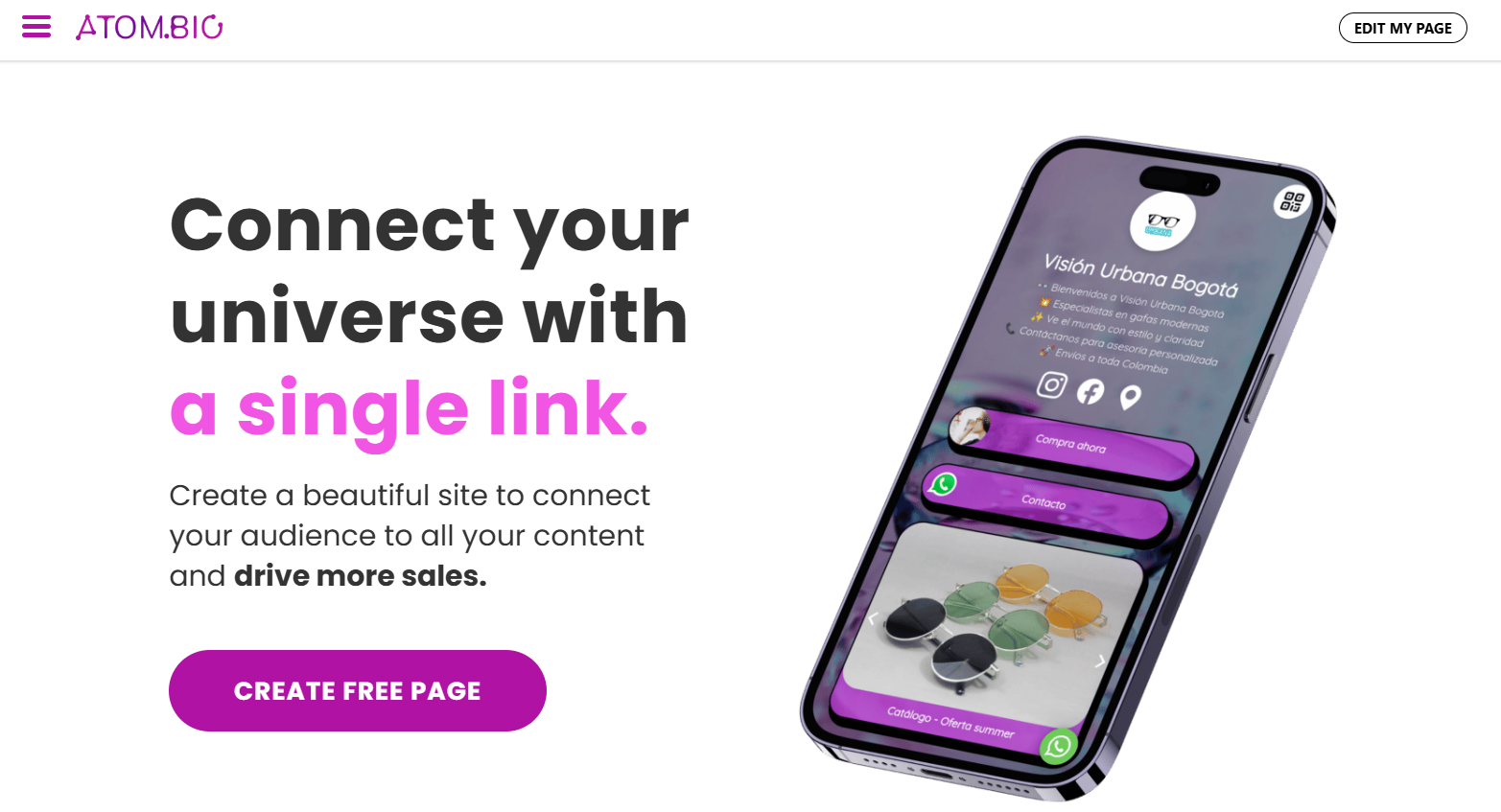
More than 1 million people have signed up to atom.bio. It works well for:
- Freelancers building a portfolio
- Content creators promoting their work
- Small shops and sellers who don’t want to pay commissions
- Influencers with many social channels
- Artists and musicians sharing their work
- Local businesses that need hours, a map and a WhatsApp button
What stood out to me: every feature is in the free plan, including analytics, and atom.bio never takes a cut of your sales. You can list products with price and photo, link to your shop or courses, and take orders by WhatsApp. Agencies can also manage several client pages from one account (see atom.bio for agencies).
ContactInBio: small businesses and service providers
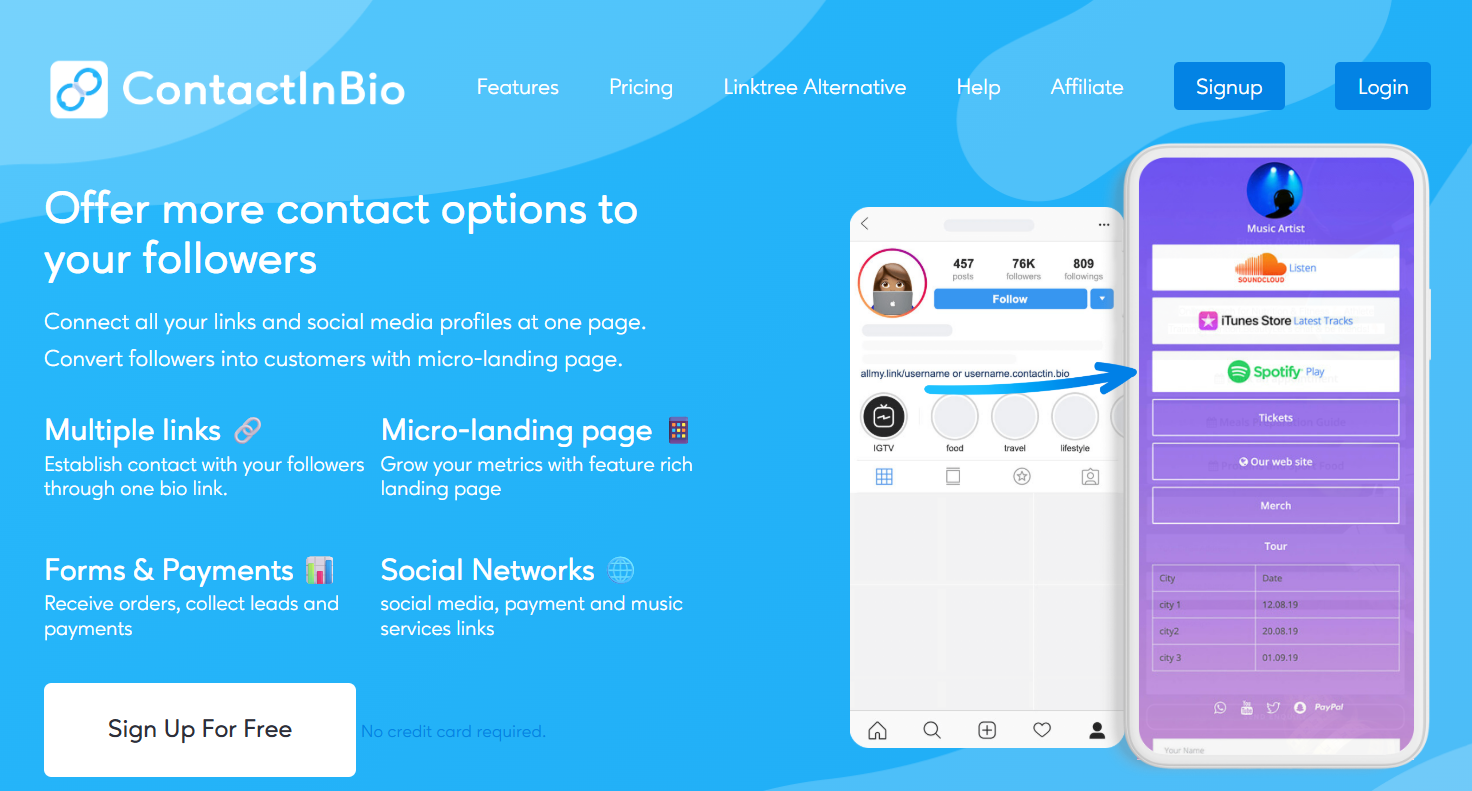
ContactInBio is built for small businesses that need customer communication tools. It fits:
- Small business owners who want many ways to be contacted
- Service providers who take bookings and appointments
- Shops that want to sell directly from Instagram
- Agencies managing several clients (their agency plan supports 5)
Its strength is communication: it connects with WhatsApp, Telegram, Facebook Messenger, Skype and Viber, and it supports more than 40 payment links and over 100 social network links. You can also build a small store without code.

Which one fits your goals?
Go with atom.bio if:
- You want to build your audience and brand with a page that looks like you.
- You sell through your own store or WhatsApp and don’t want commissions.
- You need a simple editor that works well on your phone.
- You want every feature without paying.
Choose ContactInBio if:
- Customer messaging is your top priority.
- You need payments and bookings inside the page.
- Your workflow depends on many messenger apps.
Design and branding
Your link in bio page is often the first thing people see after your profile. On atom.bio’s free plan I could change colors, fonts, button styles and backgrounds, and upload my own background images. That made the page feel like my brand instead of a template.
ContactInBio has 68 themes, but only 12 are free, and many of them looked a bit dated to me. You can change link styles, backgrounds, fonts and colors, but overall it felt less flexible.
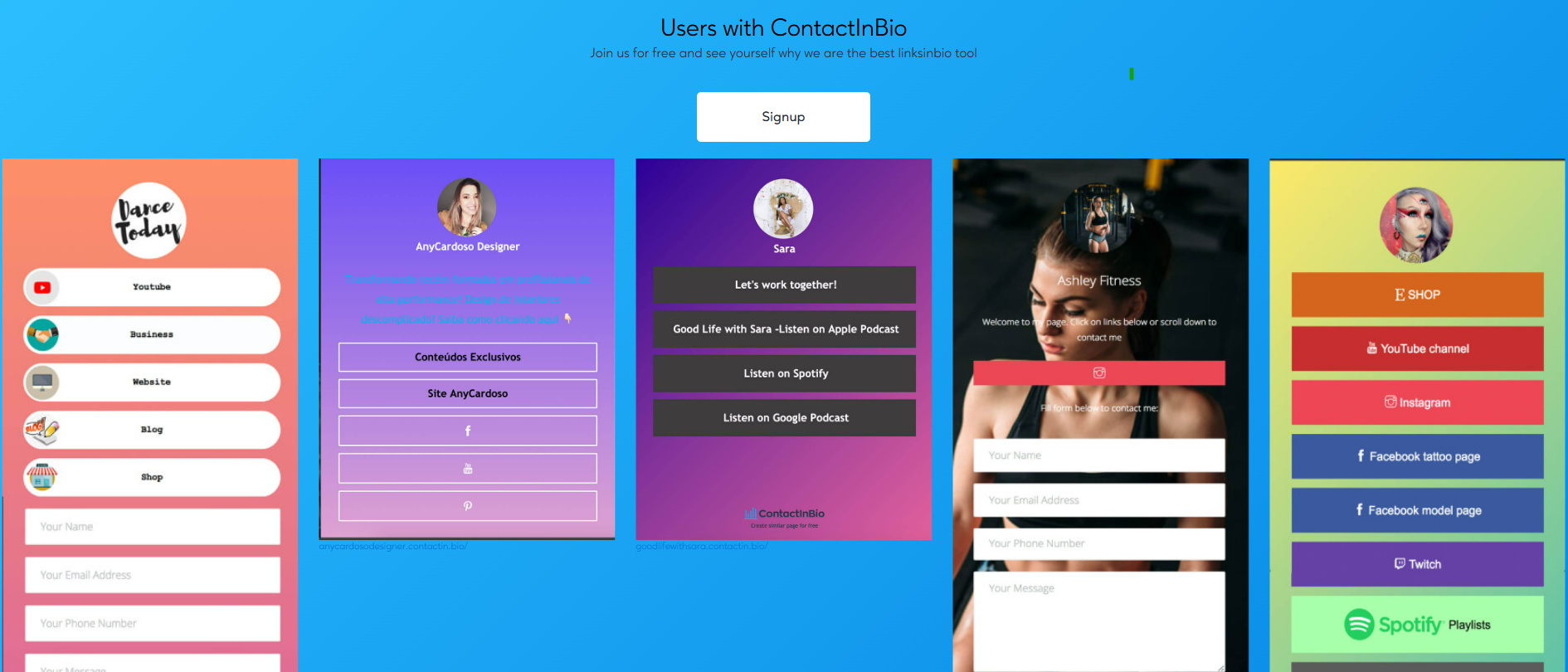
One nice ContactInBio detail is the choice of addresses for your page:
- yourusername.ctcin.bio
- yourusername.contactin.bio
- yourusername.contactinbio.com
- allmy.link/yourusername
On atom.bio your free address is atom.bio/your-name, and Premium + Domain ($96/year) gives you your own domain like yourname.com, with the registration included the first year.
Mobile performance
Most people open your link from Instagram or TikTok on a phone, so this matters. atom.bio pages are responsive and loaded quickly on my phone.
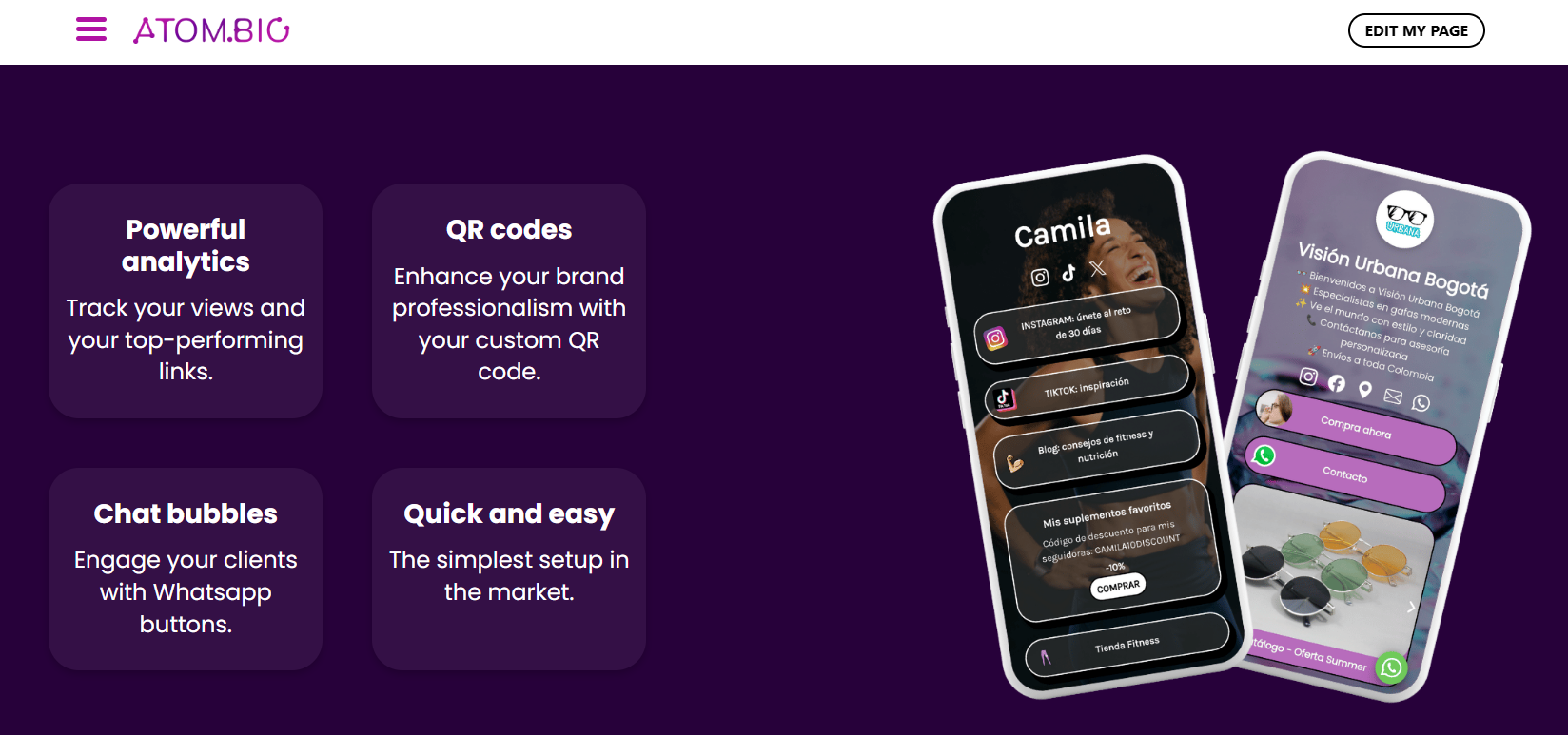
This is where I hit snags with ContactInBio on my phone. With a mobile-first audience, that matters.
Experience for your visitors
atom.bio keeps things simple: visitors find your contact details, socials, content or products without confusion. ContactInBio adds extras like slideshows, which look good but can add friction, especially on a phone.
Selling from your bio: which tool makes it easier to earn?
Products and payments
On atom.bio you can show products with price and photo, catalogs and price lists, and links to your store, courses or services. Customers can order by WhatsApp, and the money goes straight to you. atom.bio doesn’t process payments, so it never takes a commission.
ContactInBio integrates PayPal and Stripe, so you can set up a small catalog and take payments right on the page. With more than 40 payment links, it’s more flexible if your customers need specific payment methods.
Forms and bookings
Both tools have contact forms to capture leads without sending people elsewhere. On atom.bio the contact form collects emails, phone numbers and messages on the free plan, and you can add a WhatsApp, Telegram, iMessage or Messenger chat bubble.
For coaches, consultants and other service providers, ContactInBio’s paid plans include bookings, so clients can book an appointment right away. atom.bio has no built-in booking calendar; you add a link to your booking tool and show your opening hours.
Here’s what to weigh up:
- Fees and commissions
- How well the page works on phones, where most purchases happen
- Which payment methods your customers use
- How it fits the way you already sell
Both have free plans, so you can try each one with your own audience. If you sell products, see how a link in bio for small business can be set up.
Ease of use
Setup time
atom.bio wins this round. I signed up, picked a design, added my links and published in under five minutes. ContactInBio has more options, which means a steeper learning curve and a longer first setup.
Editing on mobile vs desktop
On atom.bio, editing on the phone is as complete as on a computer: I could add links, change the design or check analytics between tasks. ContactInBio has mobile editing too, but some advanced features worked better on a big screen.
Analytics and growth tools
atom.bio’s free analytics show page views, clicks per link, traffic sources and your top links, with CSV export. You can also connect Google Analytics and the Facebook Pixel.
ContactInBio shows page views, clicks, visitor countries and devices, plus total clicks per link. It integrates with Mailchimp, mainly on its Pro plan.
On atom.bio, the contact form collects emails for free, and Premium also sends you an email when someone fills it in.
Free vs paid plans
atom.bio: the free plan has unlimited links, full customization and analytics, plus background images, products and the contact form. Free pages show small ads. Premium costs $3.99/month or $29/year (about $2.42 a month, roughly 40% less than paying monthly) and removes ads and atom.bio banners, and it emails you when someone fills in your contact form.
ContactInBio: the free tier included basic link tracking, visitor countries, color changes, 12 themes, social links and contact forms. Starter cost $4.55/month (billed yearly), Business $18.20/month, and there was sometimes a $91 lifetime deal. Paid plans added things like the Facebook Pixel and email collection.
Linktree: free plan with the Linktree logo; Starter about $8/month, Pro about $15/month and Premium about $35/month (US prices, monthly billing; yearly is cheaper).
Before paying, read ContactInBio’s terms, including the refund policy.
Wrapping up
I compared ContactInBio and atom.bio on design, selling, ease of use, analytics and price. For creators and small shops who want a complete page without paying, atom.bio delivers more: unlimited links, full customization, analytics and no commission on sales. It also worked better on my phone.
ContactInBio is a good choice for service businesses that need bookings, many messenger buttons and lots of payment methods. Linktree is the safe, well-known pick if you want the simplest setup.
Want more options? See our full comparison of the best link in bio tools, or create your free link in bio page.
FAQs
Is ContactInBio better than Linktree?
It depends on your business. ContactInBio is better if you need messenger buttons, bookings and many payment options in one page. Linktree is simpler and better known, with unlimited links on its free plan, but the Linktree logo stays on free pages. If you want both a complete page and a free plan with every feature, atom.bio is a third option.
What is ContactInBio?
ContactInBio is a link in bio tool aimed at small businesses and service providers. It offers messenger buttons (WhatsApp, Telegram, Messenger, Skype, Viber), more than 40 payment links, contact forms, a micro-store and bookings on paid plans, with 68 themes of which 12 are free.
How do the free plans compare?
atom.bio’s free plan includes every feature: unlimited links, full design control, analytics, contact form, products and a WhatsApp chat bubble, with small ads on the page. Linktree’s free plan has unlimited links, social icons, themes and basic analytics, with the Linktree logo. ContactInBio’s free tier had basic tracking, 12 themes, social links and contact forms.
How much do ContactInBio, Linktree and atom.bio cost?
atom.bio Premium costs $3.99/month or $29/year; it removes ads and atom.bio banners and emails you when someone fills in your contact form. Linktree’s paid plans are about $8/month (Starter), $15/month (Pro) and $35/month (Premium) on US monthly billing. For ContactInBio, Starter was $4.55/month billed yearly and Business $18.20/month.
Which tool is best for creators and small shops?
For creators and small shops that sell through their own store or WhatsApp, atom.bio is the better fit: products with price and photo, WhatsApp orders and analytics are free and it takes no commission. For service businesses that need bookings inside the page, ContactInBio’s paid plans fit better.