A salon owner finishes a cut, checks Instagram, sees three unanswered DMs, remembers she still needs a caption for tomorrow’s color promo, then opens another tab to reply to a Google review.
Across town, a restaurant owner is doing the same thing with menu copy, Yelp replies, a flyer for the weekend special, and a short post for Facebook.
The work is small, but it stacks up. One tool for captions. One tool for images. One tool for “better writing.” Three logins. Three bills. Then AI starts to feel like one more thing to manage.
AI for small business should do the opposite. It should help you get routine content out faster, answer customers with more care, and keep your online presence from going stale without adding another pile of subscriptions.
What AI Can Actually Do for a Small Business
AI is useful when it handles the writing you already know you need.
A restaurant owner does not need a chatbot to “transform operations.” They need a cleaner description for the new chicken sandwich, a polite reply to a one-star review, and five Instagram captions that do not sound like the same post every day.
A salon does not need a 40-page AI strategy. It needs a caption for a balayage promo, a softer version of a late-cancellation reminder, and a reply to a customer asking, “Do you have any appointments Friday?”
That is where small business AI tools earn their keep: repetitive content, customer replies, and first drafts.
Good uses include:
- Turning rough notes into customer-ready copy
- Rewriting a reply so it sounds calm instead of rushed
- Creating several caption options for the same offer
- Shortening long announcements for SMS or Instagram
- Drafting follow-up emails after quotes, appointments, or consultations
- Generating image ideas for flyers, posts, or ads
AI still needs judgment. You should check prices, dates, offers, allergy details, policies, and anything legal or financial before posting. But for everyday writing, it can take a blank page and give you something workable in seconds.
Research backs up the pattern. A 2026 Talker Research survey commissioned by Adobe Express found that 50% of small business owners use AI tools regularly or occasionally, with research and visual content creation among the most common uses. The same survey found that many owners spend more time than expected on creative and marketing tasks.
Real Use Cases by Business Type
Different businesses need different prompts. A gym does not talk like a cafe. A plumber does not need the same AI output as a nail salon.
Use AI where customers already expect communication from you.
Restaurants
Restaurants live on fresh updates. Specials change, reviews arrive, and menu descriptions need to sell the dish without sounding overdone.
Use AI for:
- Menu descriptions: “Write a short menu description for a spicy chicken rice bowl with pickled onions, garlic sauce, and cilantro.”
- Review replies: “Reply to this Google review in a warm tone. Thank them, mention the pasta delay, and invite them back.”
- Daily special captions: “Write 5 Instagram captions for a Friday lunch special: smash burger, fries, and iced tea for $14.”
A good AI reply should sound like the restaurant, not a template. Add the customer’s dish, visit date, or issue when you have it.
Beauty Salons
Salons need content that feels personal, visual, and clear. AI can help with the words around the work, while the photos show the result.
Use AI for:
- Promo posts: “Write a short Instagram caption for 20% off gloss treatments this week. Keep it friendly and not pushy.”
- Appointment reminders: “Rewrite this reminder so it sounds polite but firm: please arrive 10 minutes early and cancel at least 24 hours ahead.”
- DM replies: “Reply to a customer asking how long a root touch-up takes and whether they need a consultation.”
AI can also help turn one service into several posts: a short caption, a Story poll, a booking reminder, and a last-minute opening post.
Gyms
Gyms need steady communication. Members want schedules, reminders, challenges, and a reason to show up.
Use AI for:
- Class schedule posts: “Create a short Monday post announcing this week’s HIIT, yoga, and strength classes.”
- Motivational content: “Write a grounded fitness caption for beginners who missed a week and want to restart.”
- New member welcome emails: “Draft a welcome email for a new gym member. Include what to bring, how to book classes, and who to ask for help.”
The best gym content is specific. Mention the class, coach, time, and next step.
Independent Professionals
Freelancers, consultants, tradespeople, coaches, and local service providers spend too much time writing the same business messages from scratch.
Use AI for:
- Client emails: “Write a clear email asking a client to send missing project files by Thursday.”
- Proposals: “Turn these notes into a one-page proposal for a bathroom tile repair job.”
- Invoice follow-ups: “Write a polite invoice reminder for a payment that is 7 days overdue.”
For client-facing work, AI helps most when you give it the facts: scope, price, deadline, next step, and tone.
The Subscription Trap
The first AI subscription feels harmless. A $20 monthly plan is easy to justify if it saves time.
Then the second one appears. Another model writes better emails. Another tool makes better images.
Another one has templates for social media. Before long, a small business owner is paying for several tools and using each one for a narrow job.
That is the subscription trap.
A common setup looks like this:
| Tool type | Typical reason small businesses buy it | Monthly cost pattern |
|---|---|---|
| AI chat assistant | Captions, replies, emails, rewrites | Around $20 for many popular paid plans |
| Image generator | Flyers, social graphics, promo images | Separate subscription or credits |
| Writing tool | Website copy, ads, grammar, tone | Separate subscription |
| Social media tool | Scheduling and caption help | Separate subscription |
The issue is not that these tools are bad. The issue is fit. Most small businesses do not need separate subscriptions for every AI model or content format. They need steady output for customer-facing tasks.
ChatGPT, Claude, and Gemini all have strong paid options. OpenAI’s ChatGPT pricing page lists individual tiers, such as Free, Go, Plus, and Pro. Anthropic lists Claude Pro at $20 monthly or $17 per month on annual billing.
Google’s Gemini subscription page lists Google AI Pro with higher access to Gemini features and Google app integrations, though pricing can vary by country.
If you pay for multiple AI tools because you use each one every day, fine. If you pay for them because you are unsure which one writes the best caption, you can probably simplify.
One Place for AI Content
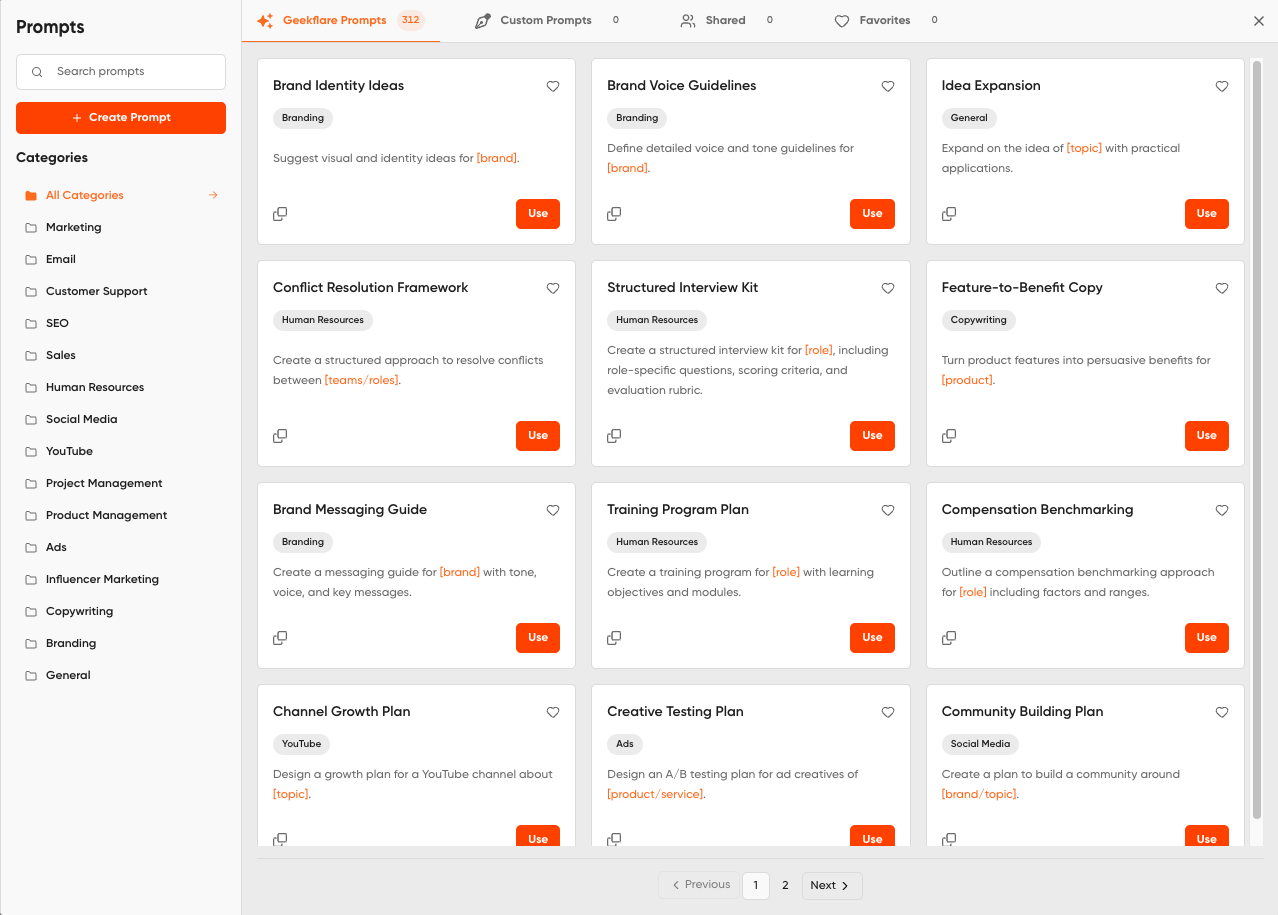
This is where Geekflare Chat fits the small business use case.
Instead of paying for separate subscriptions just to test different AI models, Geekflare Chat gives you one workspace for 50+ AI models, from OpenAI, Anthropic, Google, Grok, DeepSeek, and others.
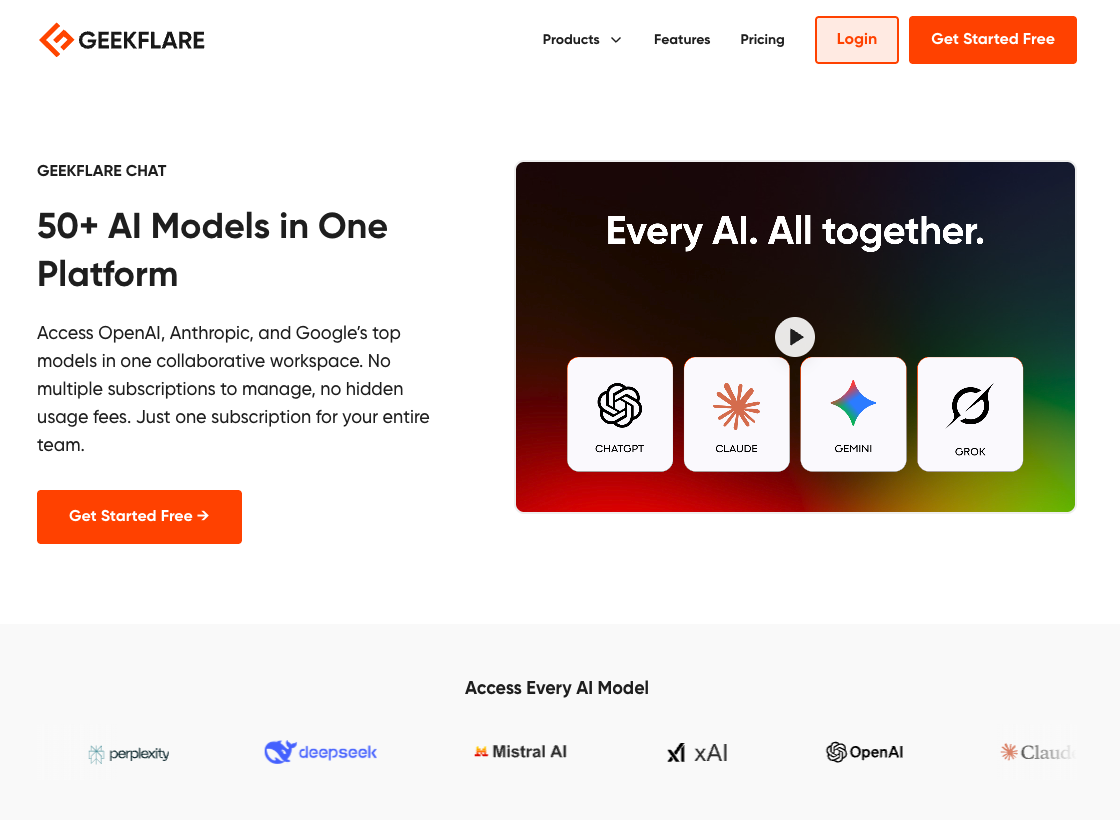
Its pricing page positions the Pro plan at $9 per month and the Business plan at $29 per month for 5 seats, with credits used across models.
For a small business, the useful part is comparison. You can ask the same prompt across models and see which one writes the best customer reply, caption, menu description, or follow-up email.
Example:
“Reply to this 3-star restaurant review. The customer liked the food but said the service was slow. Keep it calm, thank them, apologize once, and invite them back.”
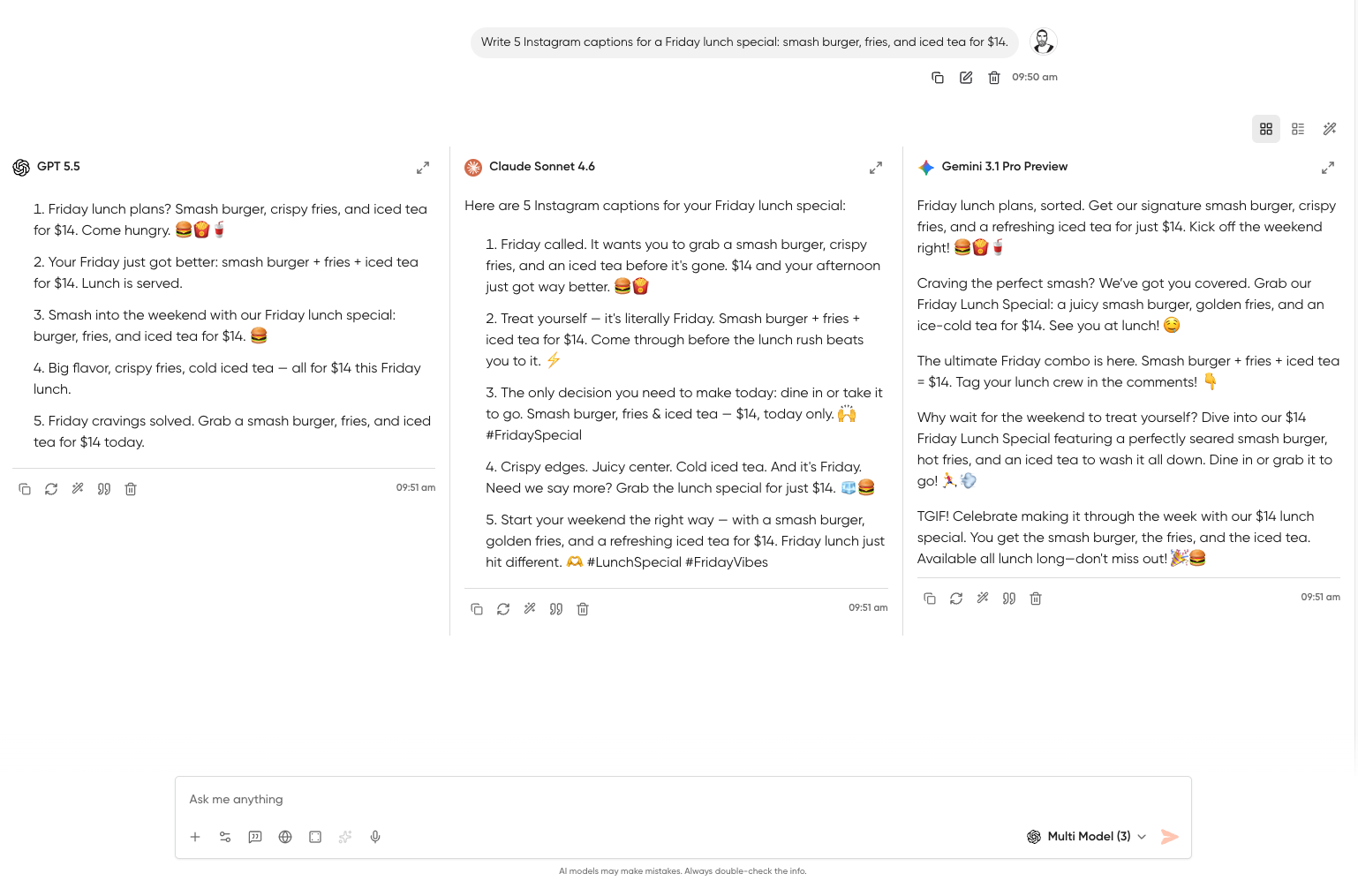
One model may sound too stiff. Another may be too wordy. A third may land closer to your brand voice. Once you find the style that works, save the prompt and reuse it.
That matters because small business owners do not have time to learn every AI model. They need a place to draft, compare, pick, edit, and move on.
Getting Started This Week
Do not start with a big AI plan. Start with three tasks you already need to do.
Step 1: Write One Review Reply
Copy a recent Google, Yelp, or Facebook review into your AI tool.
Prompt:
“Write a short reply to this customer review. Sound like a local business owner, not a corporate support team. Thank them, mention one specific detail from their review, and invite them back.”
Check the reply before posting. Add the customer’s name if appropriate. Remove anything that sounds too polished.
Step 2: Create One Social Caption
Use a real offer, not a vague prompt.
Prompt:
“Write 5 Instagram captions for a small neighborhood restaurant promoting a Thursday lunch special: tomato soup, grilled cheese, and iced tea for $12. Keep each under 120 characters.”
Pick one. Edit it so it sounds like you. Add your booking, ordering, or visit link.
Step 3: Draft One Follow-Up Email
Use AI for the message you keep delaying.
Prompt:
“Write a polite follow-up email to a client who asked for a quote last week and has not replied. Keep it under 100 words. Include one clear next step.”
Save the prompt if it works. Create a small prompt folder for:
- Review replies
- Social captions
- Appointment reminders
- Quote follow-ups
- Promo emails
- Menu or service descriptions
The second week goes faster because you are no longer starting from scratch.
Your Bio Page Is Your Front Door
AI can help you write better captions, replies, and messages. That content still needs to send people somewhere useful.
If someone taps your Instagram bio after seeing a lunch special, they should find the order link. If they like your salon promo, they should find the booking button. If they read your gym post, they should find the class schedule, trial pass, or contact form.
That is where your bio page matters.
Your bio link should not be a junk drawer. For a small business, it should answer one question: “What should this customer do next?”
Set up your atom.bio page with the actions that make money or save time:
- Book an appointment
- Order online
- Call or text
- View services
- Join a class
- Request a quote
- Read reviews
- Find your location
Then use AI to keep the content around that page fresh. Write the caption, reply to the review, send the follow-up, and point people to the right link.
That is the clean version of AI for small business: fewer subscriptions, faster content, and a bio page that turns attention into action.
FAQ
What is the best way for a small business to start using AI?
Start with one task you already repeat every week, such as review replies, Instagram captions, or follow-up emails. Use AI for the first draft, edit it in your voice, and save the prompt when it works.
Do small businesses need paid AI tools?
Not always. Free plans can handle light drafting, but paid tools usually offer higher limits, better models, or extra features. If you only need captions and replies, avoid paying for several separate AI subscriptions before testing a multi-model option.
Can AI write customer review replies?
Yes, but you should edit every reply before posting. AI can help with tone and structure, but you should add real details, check the customer’s issue, and avoid generic apology language.
How can restaurants use AI?
Restaurants can use AI for menu descriptions, daily special captions, Google and Yelp review replies, event announcements, staff hiring posts, and short email updates. The best prompts include dish names, prices, dates, and the tone of the restaurant.
How can salons use AI?
Salons can use AI for promo captions, appointment reminders, DM replies, service descriptions, cancellation policy copy, and seasonal campaign ideas. AI works best when paired with real photos and clear booking links.